
Uncountable now offers a set of generative AI tools, powered by large language models (LLMs) through the AI connectors configured for your account. Supported connector options include Uncountable-managed and bring-your-own-key connections for providers such as OpenAI, AWS Bedrock, Anthropic, and Google Gemini, plus custom model endpoints where configured. These tools make interacting with your data faster, smarter, and more intuitive.
Our AI features are available across multiple areas of the platform, including listings, the Explore Data page, and the experiment workflow. Just look for the ✨ icon to access each page’s AI capabilities.
In this article, you’ll find a quick tour of the generative AI features available today. Click “Learn more” in any section to dive deeper into how each feature works. We’re actively expanding these capabilities, and additional features will be added over time.
For more details on data usage, security, and model vendors, see the Uncountable Generative AI FAQ.
AI features at a glance
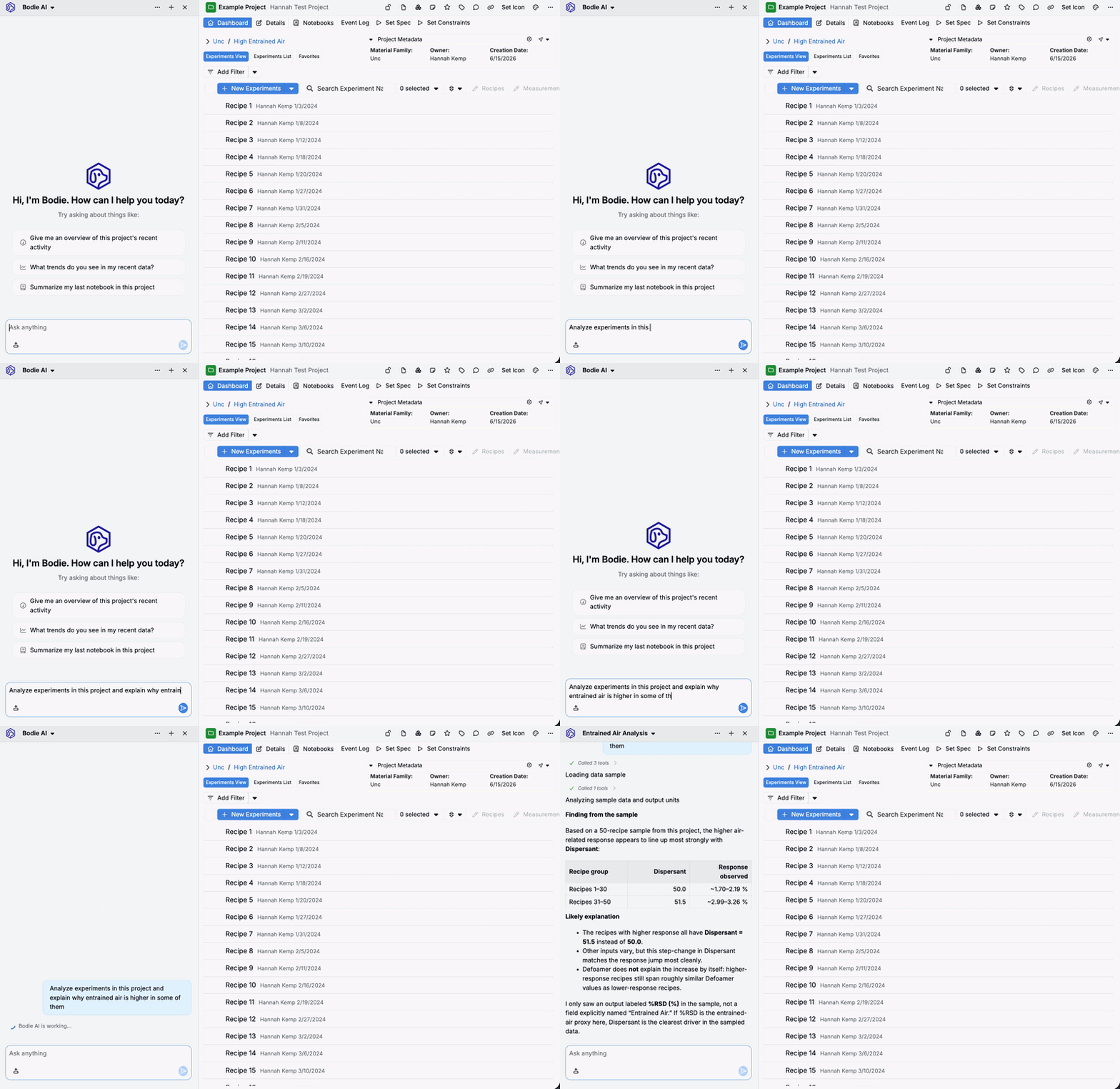
Bodie AI
Bodie AI is Uncountable’s in-platform AI assistant, accessible from the ✨ icon in the navigation bar. Ask it platform questions, analyze experiment data and generate reports and visualizations, run Suggest and Analyze jobs, draft and edit notebook content, search indexed files, and bulk-edit custom entities — all in natural language, directly from where you’re working. Learn more.
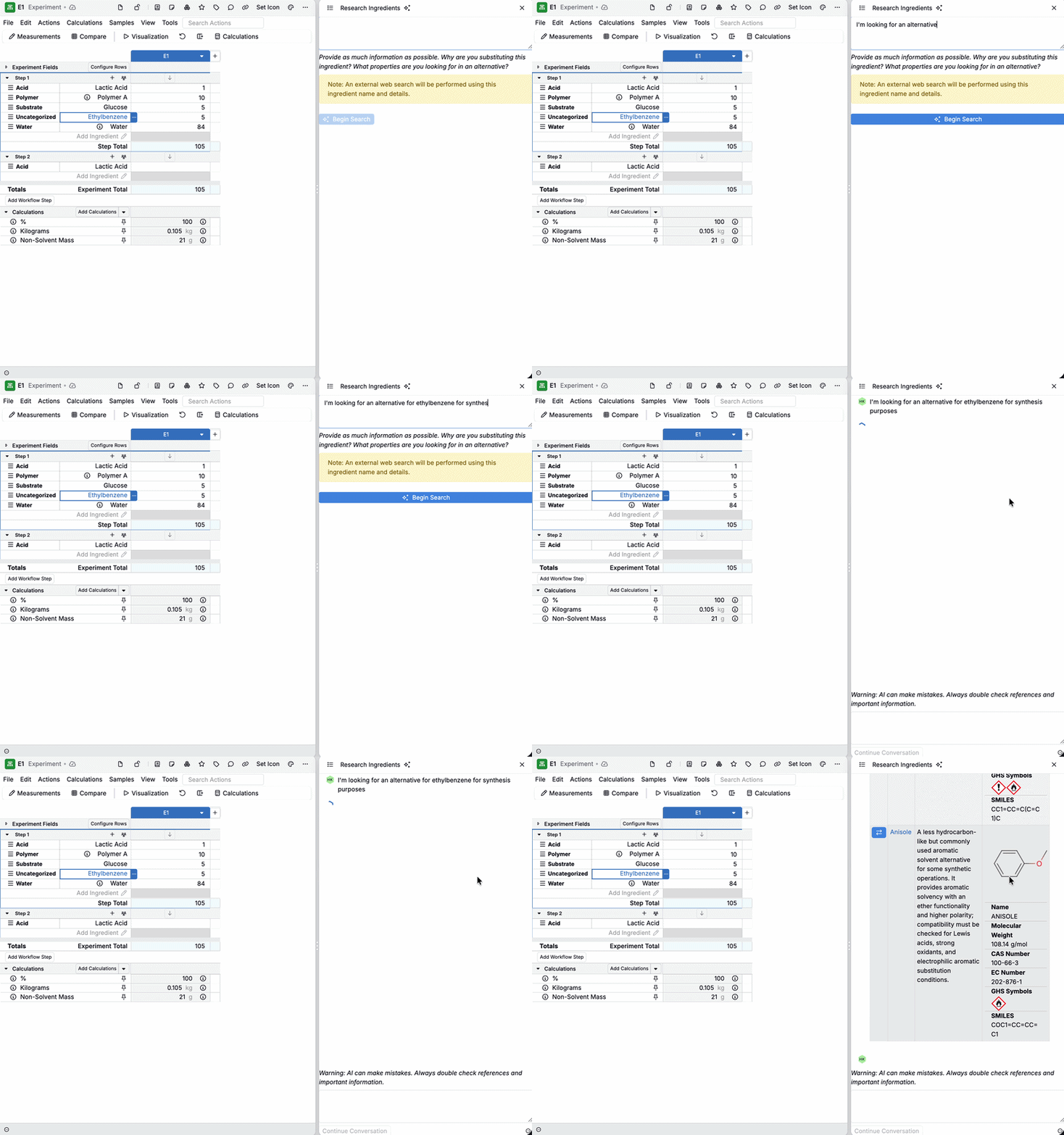
Research Alternative Ingredients with AI
On the Recipe view of an experiment, explore alternatives and compatible materials using AI‑augmented search across your catalog and references. Great for ingredient substitution and discovery. Learn more.
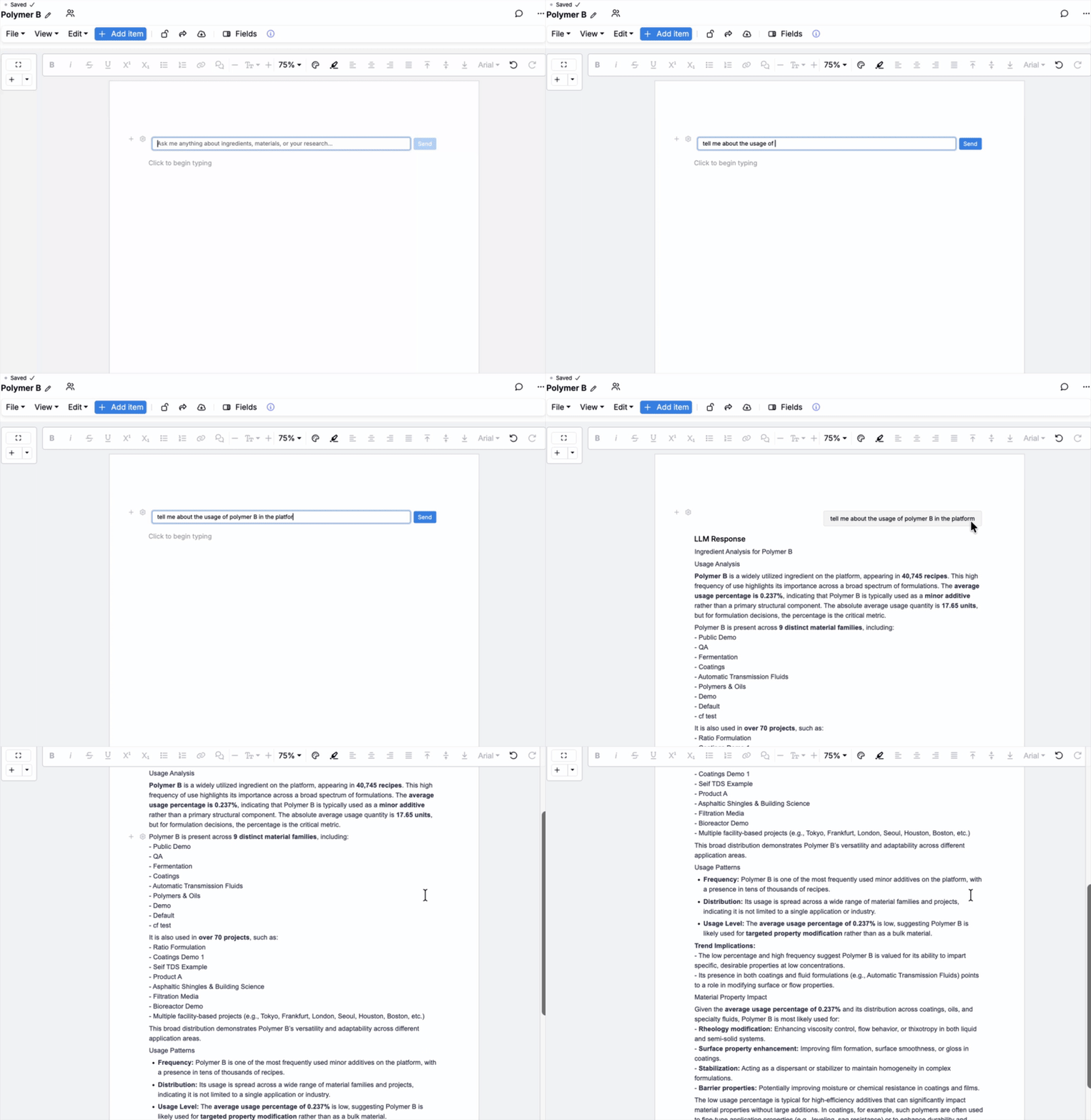
LLM Notebook Cells
Bring LLMs into your notebooks as cells to summarize, transform, or explain data inline with your notes and results. Learn more.
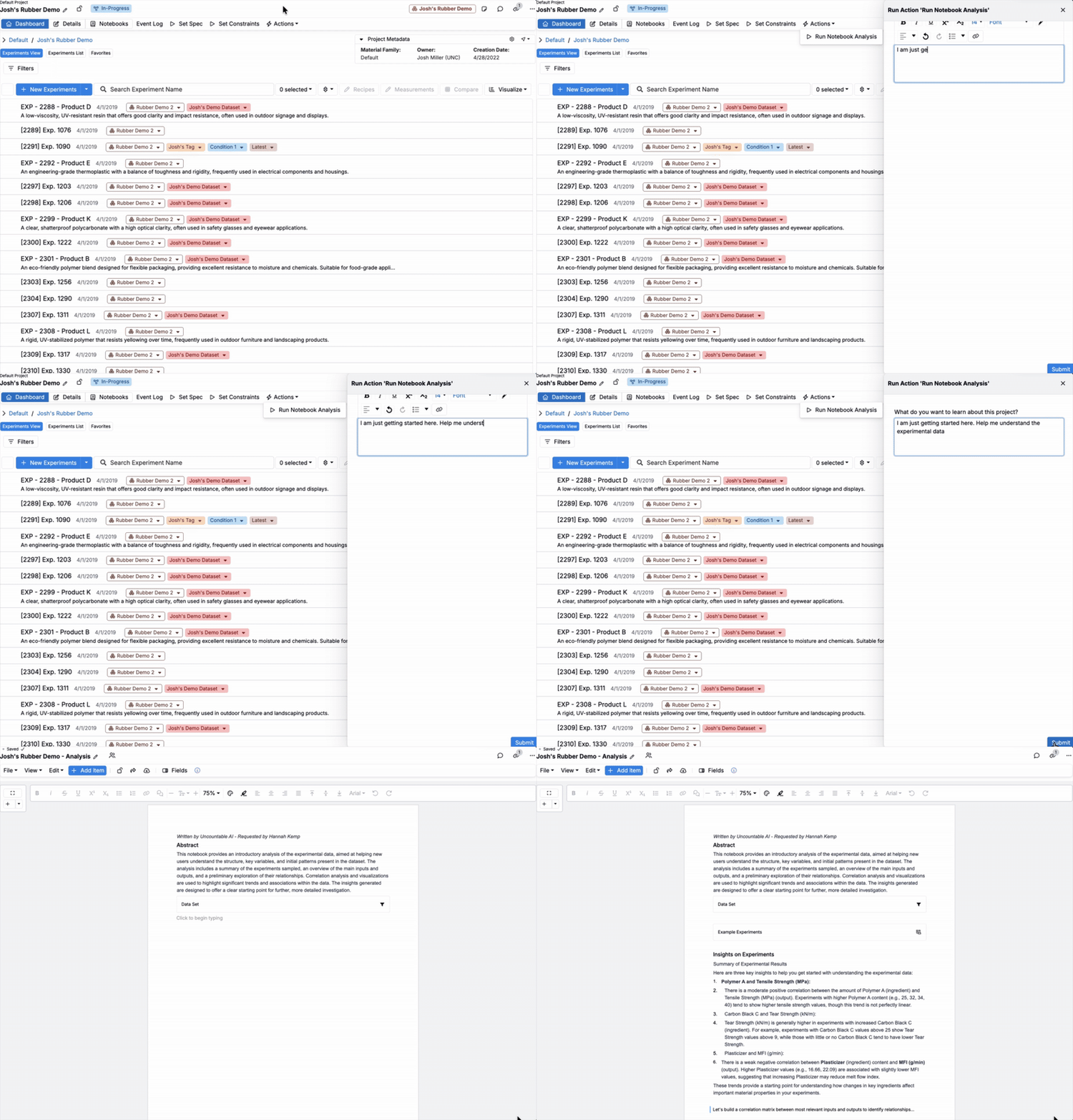
Project Data Summary
Run AI‑powered analyses on project data. Uncountable’s LLM will transform that data in a notebook to surface trends, insights, outliers, and hypotheses you can refine and share. Learn more.
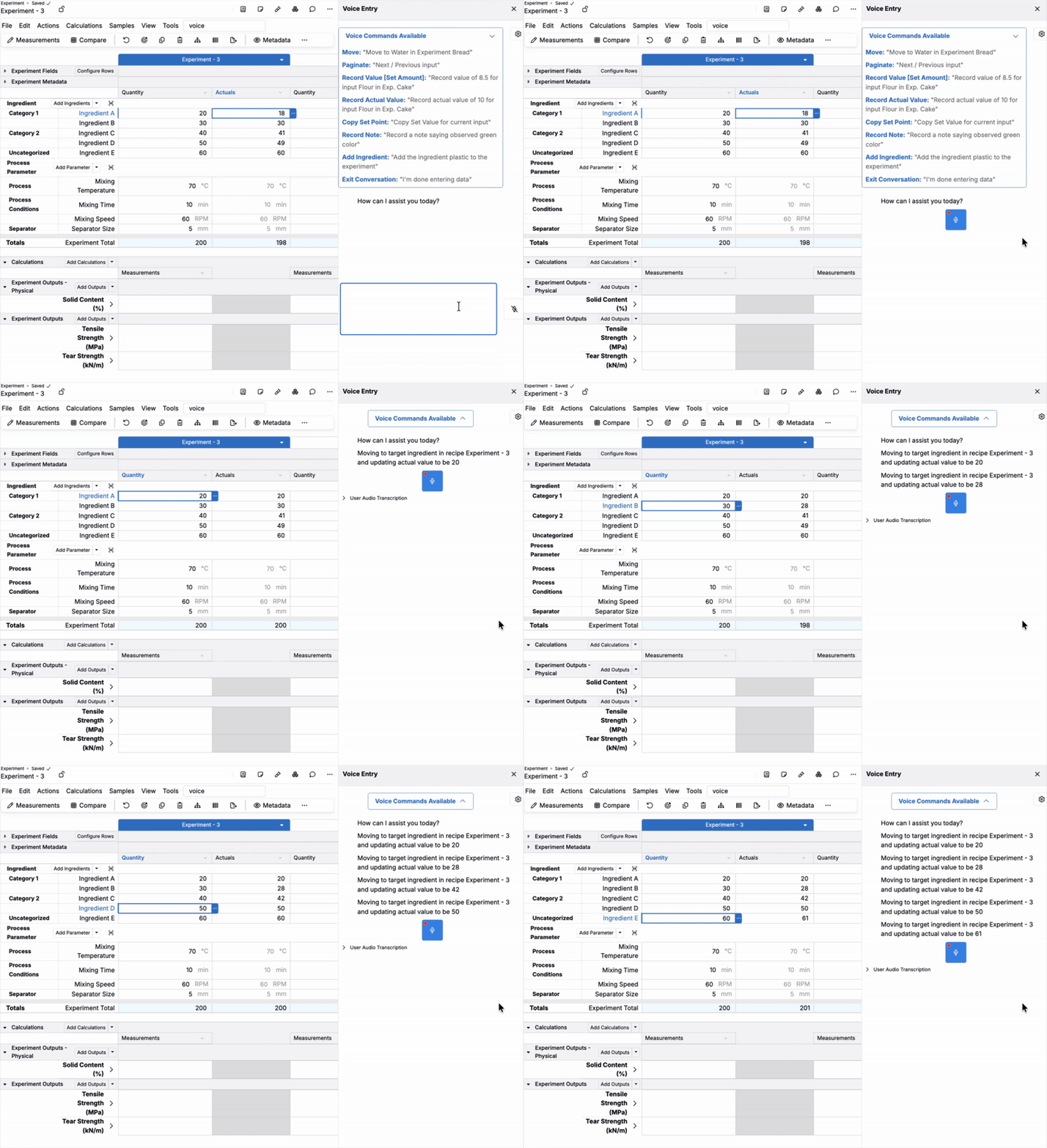
Voice Entry for Experiment Data
Capture experiment context and results hands‑free. Speech is transcribed and structured so your records stay clean and searchable. Learn more.
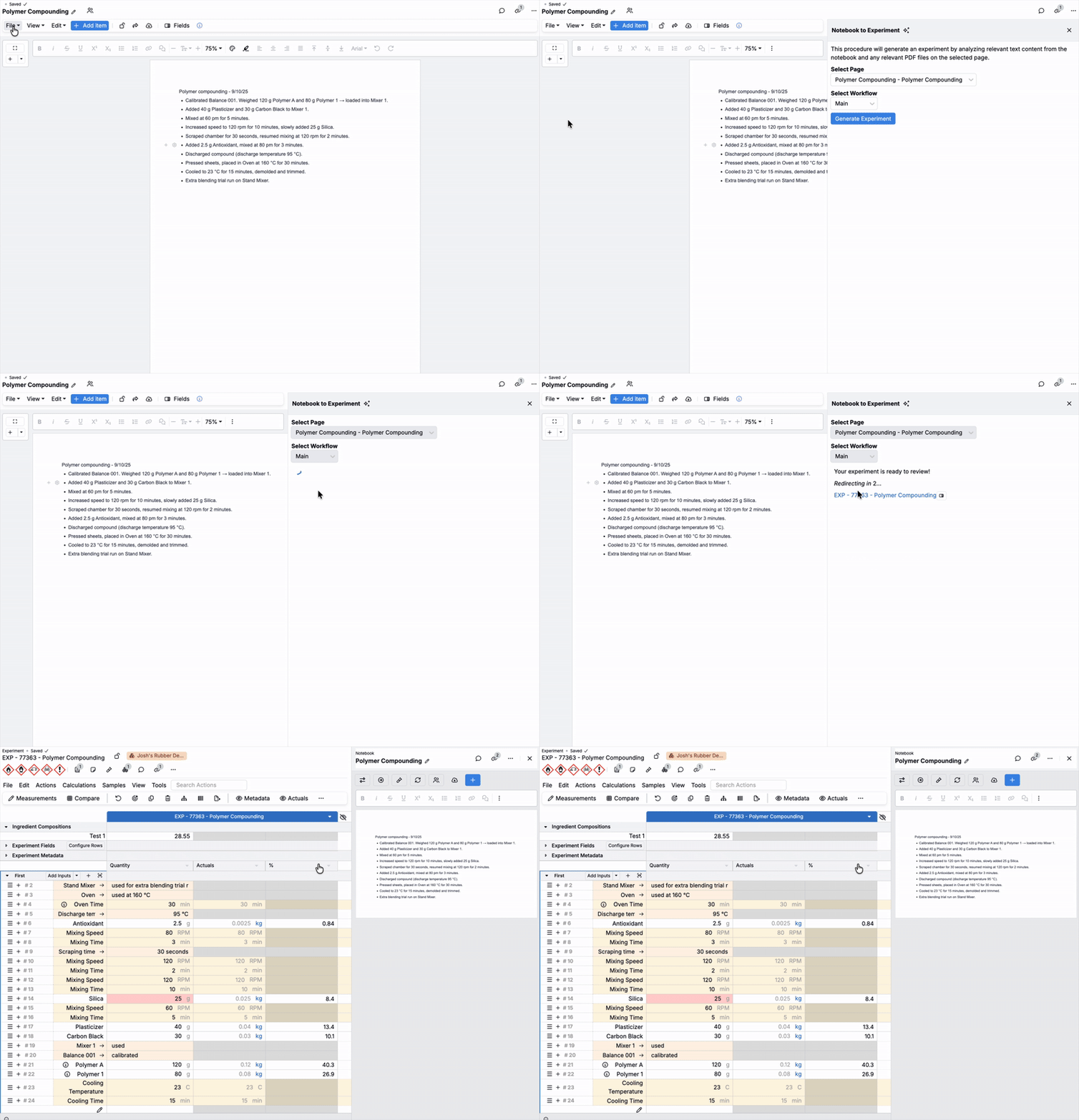
Generate Experiments from Instructions
Provide high‑level instructions and let AI draft experiment steps or templates that you can review and execute. Learn more.
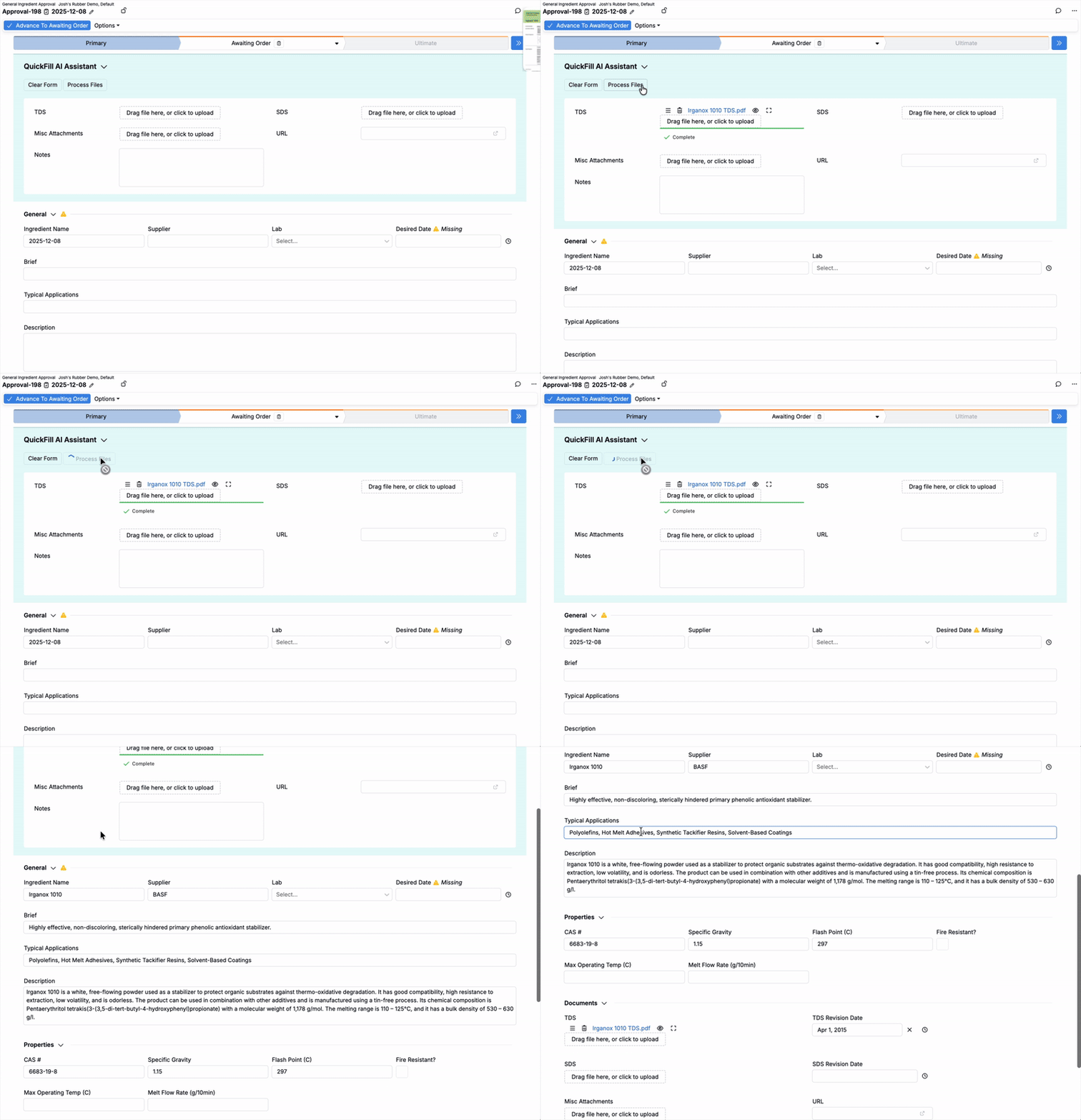
Unstructured Document Parser
Accelerate routine approvals by letting AI pre-fill fields and suggested responses while you keep full control to review and submit. Learn more.
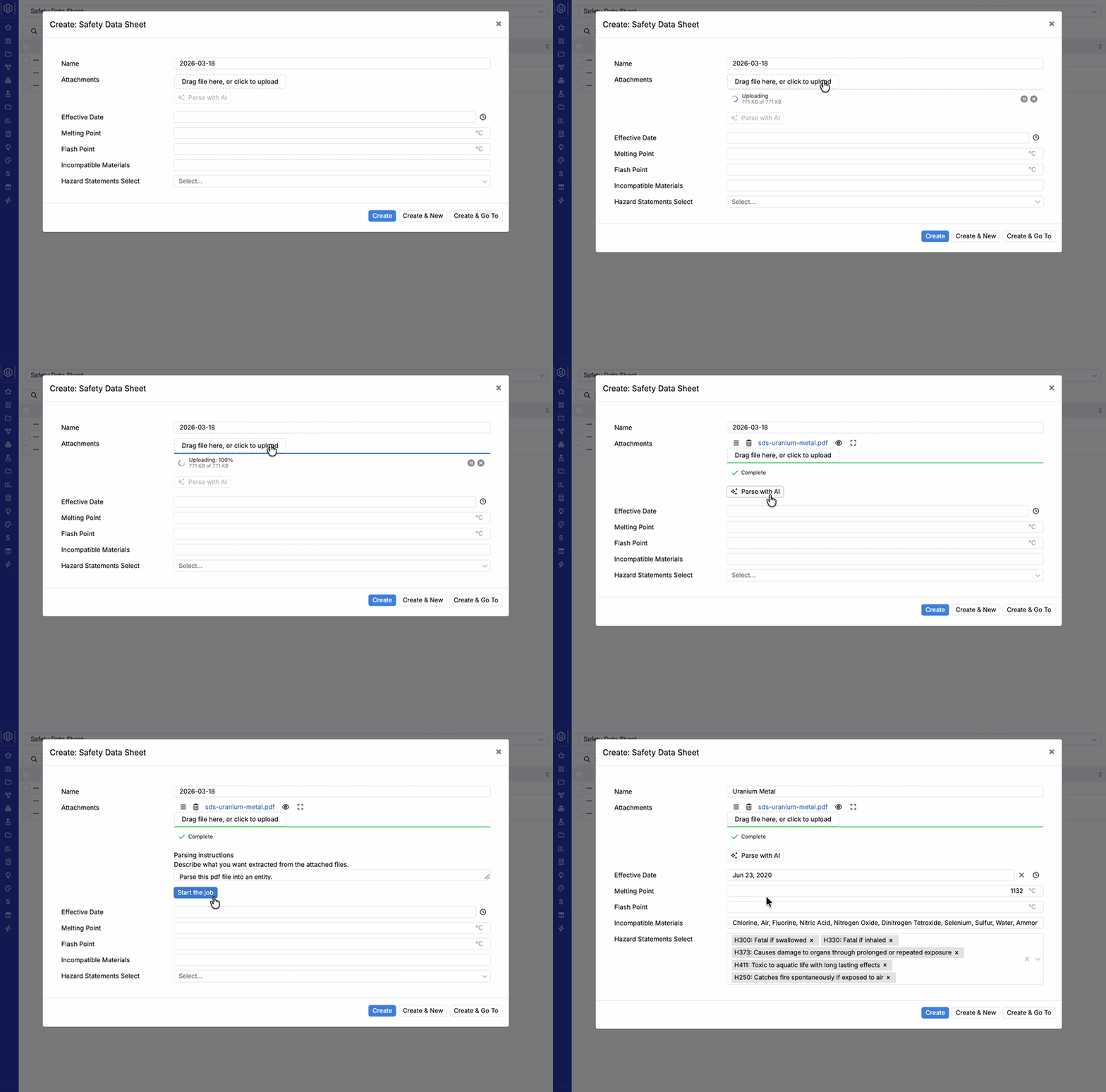
PDF Parsing with AI
Upload a PDF and let AI automatically populate structured fields when creating a new entity. Parse with AI is especially useful for document‑driven workflows like Safety Data Sheets (SDS) and other vendor or compliance documents. Learn more.
Model Context Protocol (MCP)
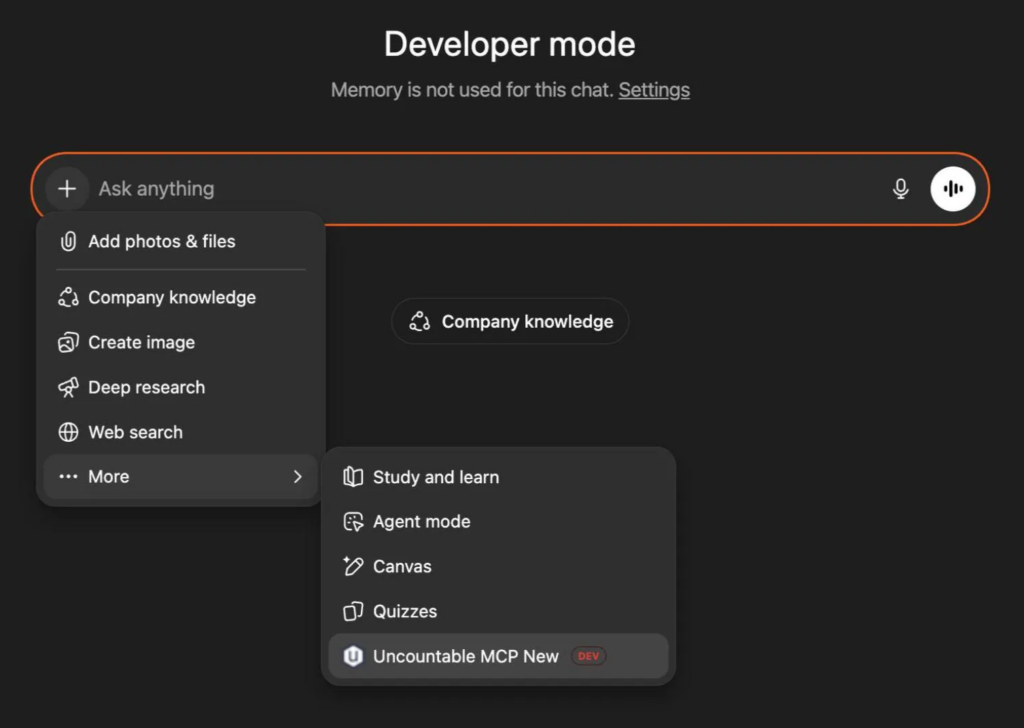
Connect external AI tools like Claude or ChatGPT to Uncountable using the Model Context Protocol (MCP). MCP acts as a secure bridge that gives your AI assistant the ability to query your data, create experiments, update formulations, and perform other platform actions through natural language — directly from the tools you already use.
Uncountable is also available as a native plugin in ChatGPT; refer to the Uncountable MCP Setup Guide for setup steps. Admins can disable individual MCP tools or configure a read-only MCP from Company-Wide Settings > Modules. An in-platform setup wizard guides admins through connecting supported AI clients and provides each value to copy into the client. Learn more.
Bodie AI Plugins
Connect Bodie AI to external services such as Microsoft 365, Jira, Slack, and Notion through plugins, so you can work with information from those tools without leaving Uncountable. Admins add plugins from the catalog on the Manage AI Plugins page (Configure Generative AI Module > Manage AI Plugins) or connect any service that provides an MCP server. Learn more.
Getting Started
These generative AI tools are opt‑in, meaning they are not enabled by default. Admins can manage Gen AI from Company-Wide Settings > Global Permissions > Modules > Configure Generative AI Module. The configuration page shows how many connectors are active, opens Manage Connectors for adding, reordering, and testing connectors, links to Gen AI documentation, and provides Usage & Analytics access for Bodie chat sessions and AI session history.
Gen AI features are available whenever the account has at least one active connector; archiving the last remaining connector turns them off. For details, refer to Gen AI: AI Connector and Model Selection.
Contact your Uncountable representative if you need help choosing a connector strategy or want documentation around vendors’ terms of service and data security practices.