
Uncountable’s new Parse with AI tool lets you upload a PDF and automatically populate structured fields when creating a new entity. It’s especially helpful when the PDF is the source of truth, such as Safety Data Sheets (SDS), Technical Data Sheets (TDS), Certificates of Analysis (COAs), and other vendor or compliance documents.
Parse with AI supports common field types, including dates, single select, and multi-select, and is available to customers with Gen AI enabled in their schema.
How to use
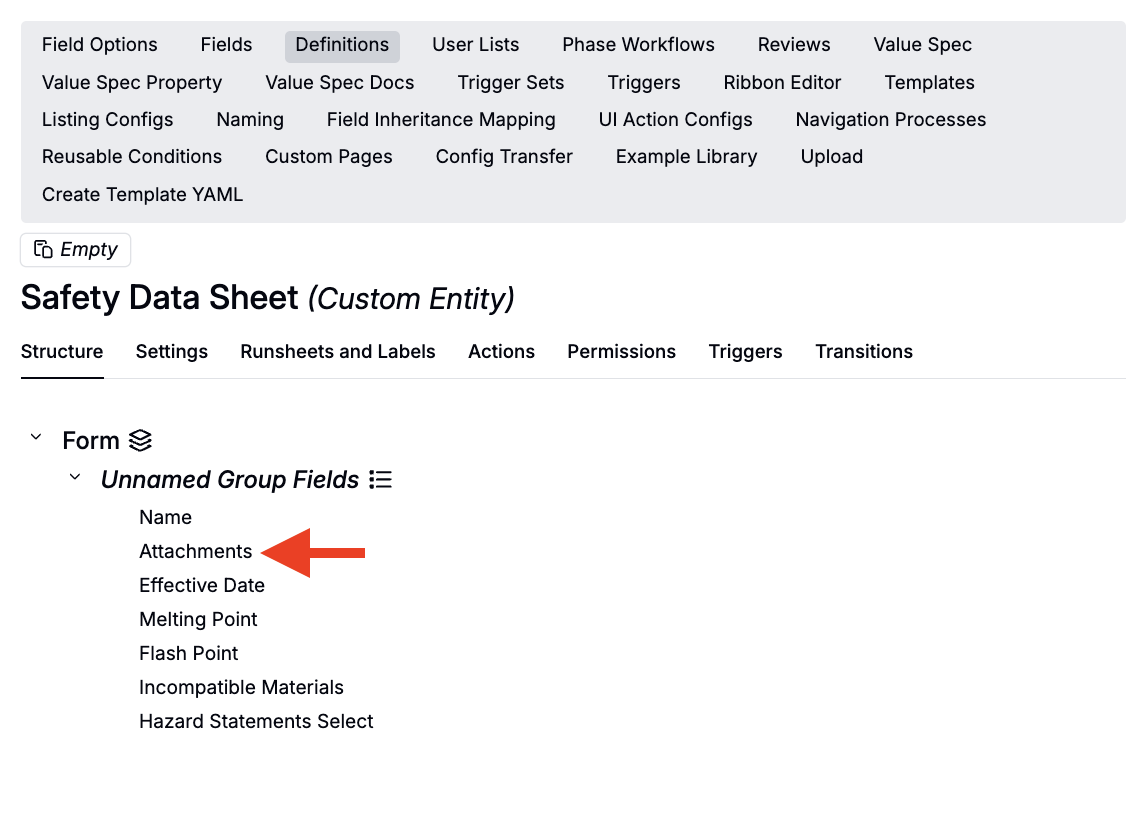
- Make sure the definition of the entity you want to create has an Attachments field.
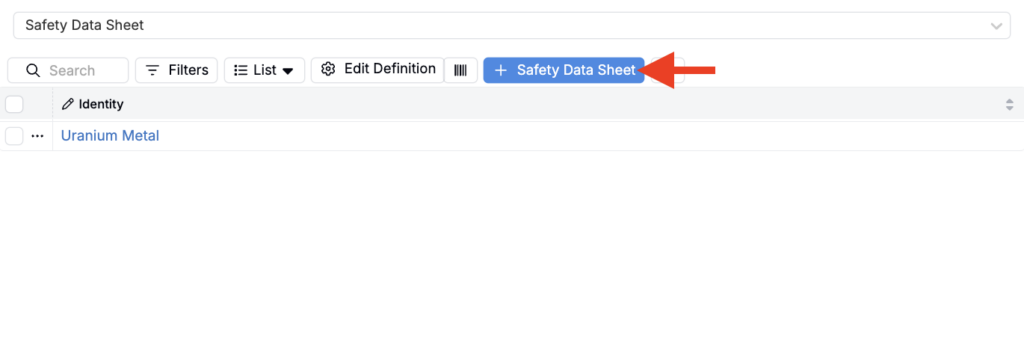
- Go to the listing for that entity type and click New to open the create modal.
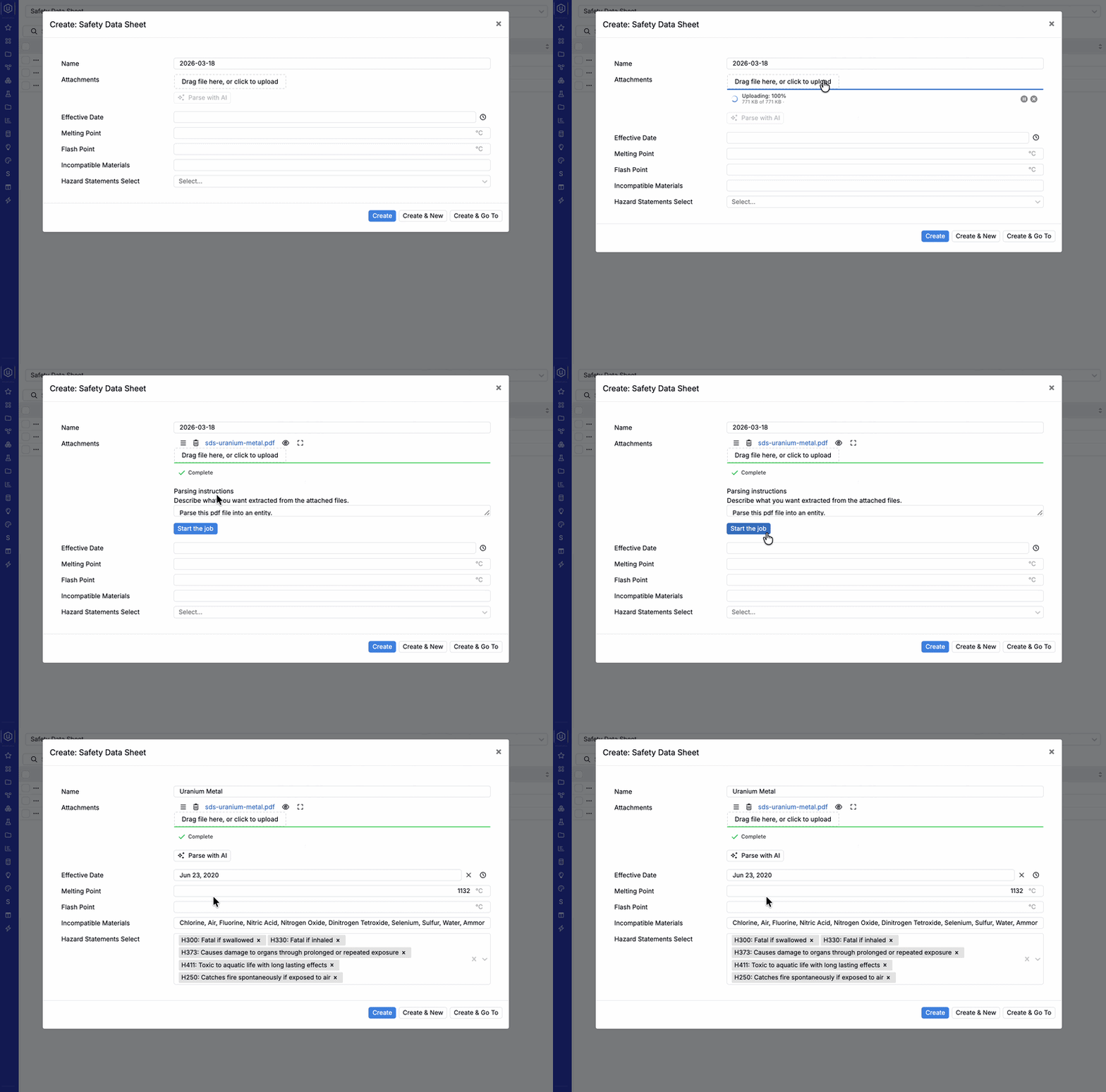
- Add your PDF in the Attachments field.
- Click Parse with AI under the attachments field.
- (Optional) Add instructions to guide what should be extracted.
- Example: “Prioritize Section 2 hazards and Section 10 incompatibilities. If there are multiple dates, use the document effective date.”
- Start parsing, then review the populated fields.
- Make any quick edits, then click Create.
Tip: Treat Parse with AI as a fast first pass. You should still validate critical fields before using them in downstream QC, compliance, or reporting workflows.
Availability
This feature is available only for workspaces with Gen AI enabled in their schema. If you do not see the option, speak to your Uncountable representative to add Gen AI.