
On the recipe or measurements view of experiments, Uncountable users can use the Voice Entry tool to navigate and record inputs, results, notes by speaking instead of typing.
This feature is especially useful when working on the bench, allowing you to record well‑annotated data hands-free. Note that this is a Gen AI feature and must be enabled within your schema.
How to use
- On the recipe or measurements view of experiments, search for Voice Entry Sidepanel.
- Within the sidepanel, click the microphone icon to begin recording.
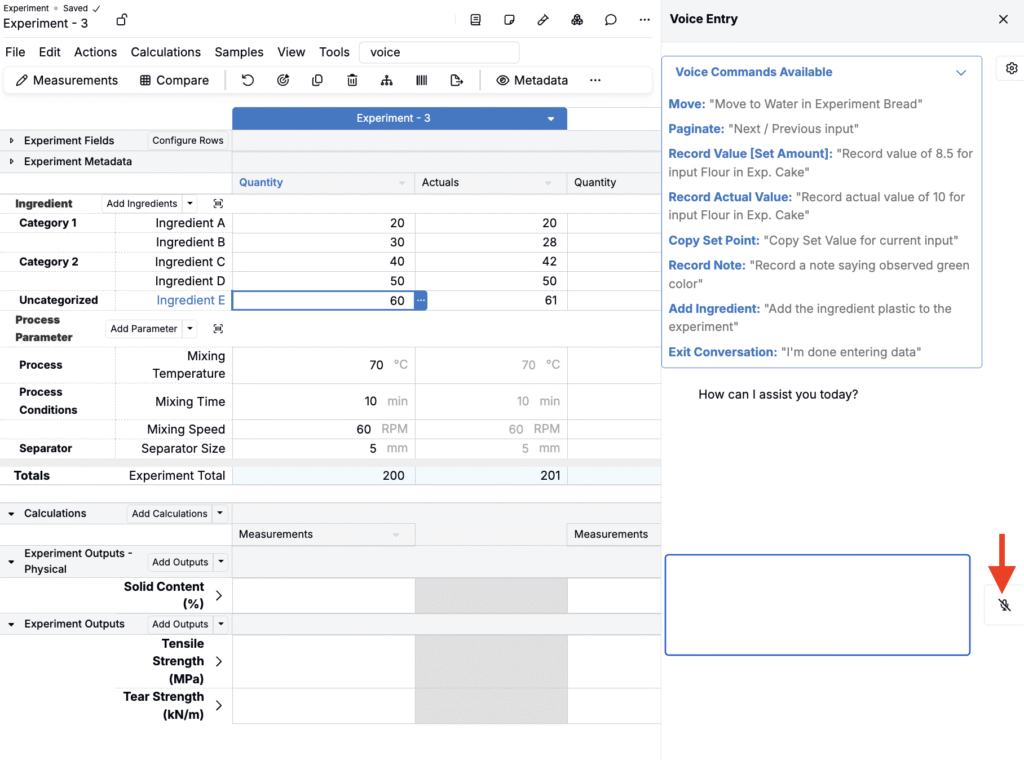
- Speak in plain language. For example, you could say:
- “Enter an actual value of 12.5 for Viscosity.”
- “Record a note for this input: sample foamed during mix.”
- “Move to Carbon Black.”
- “Set Gloss replicate 2 to 82.”
- The agent will automatically apply all requested changes.

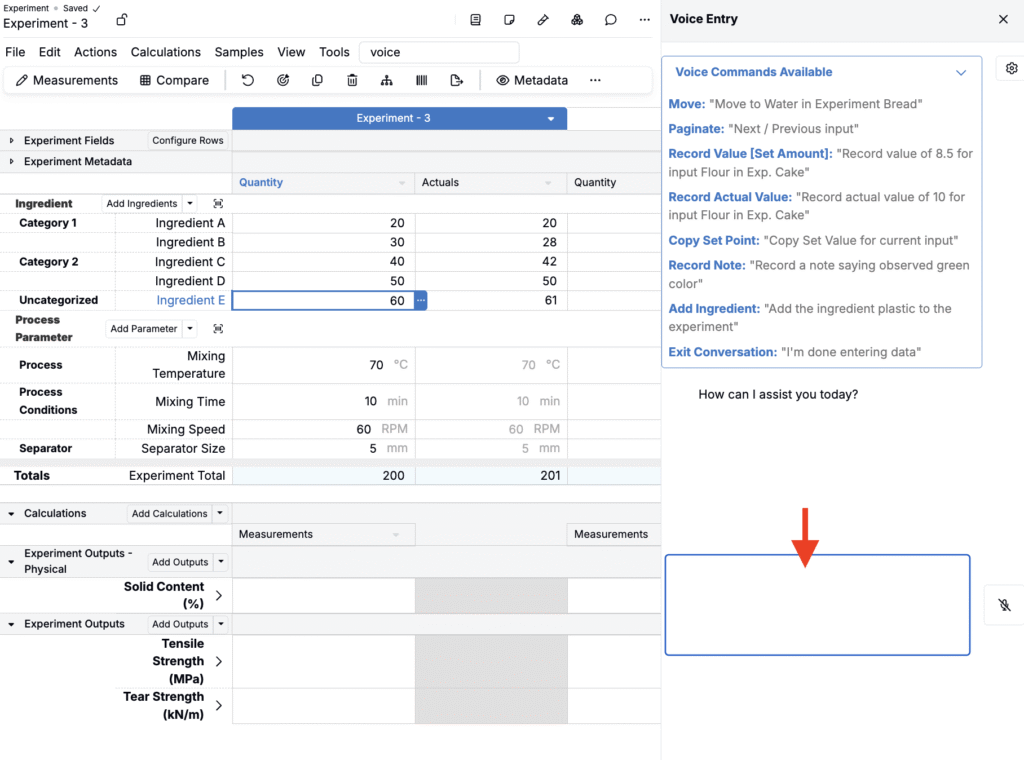
- You can also type manually into the text box.
Voice Entry reduces friction during data capture, keeps your hands free for lab work, and helps teams record cleaner, well-annotated data in less time.
Availability
This feature is available only for workspaces with Gen AI enabled in their schema. If you do not see the option, speak to your Uncountable representative to add Gen AI.