
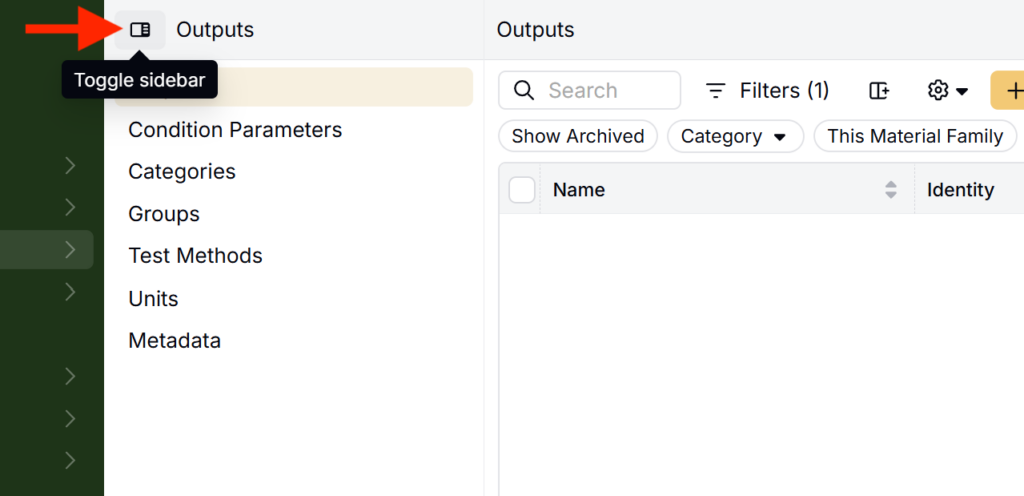
A collapsible side navigation panel is rolling out across listing pages that use menus, giving users a consistent way to move between categories, subcategories, and related lists. This includes pages such as Inputs, Outputs, Favorites, User Administration, and Products. Listing pages without menus, such as the Lab Requests listing, will continue to use their existing layout.
Note: Depending on your platform configuration, these pages may appear under different names, such as Ingredients or Raw Materials, and Formulations.
What’s changing
Before: Most listing pages used the standard top-level navigation bar to move between categories, subcategories, and other listings.
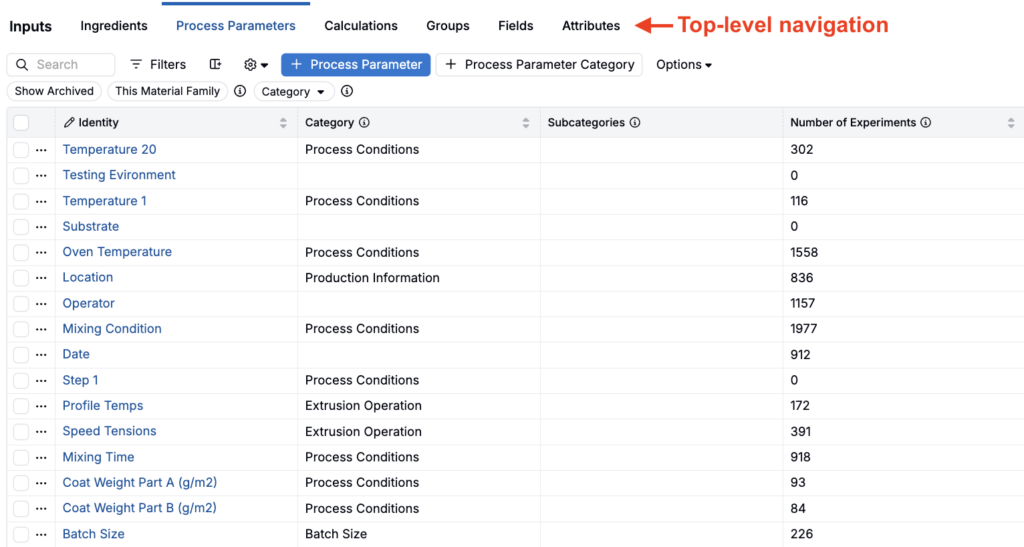
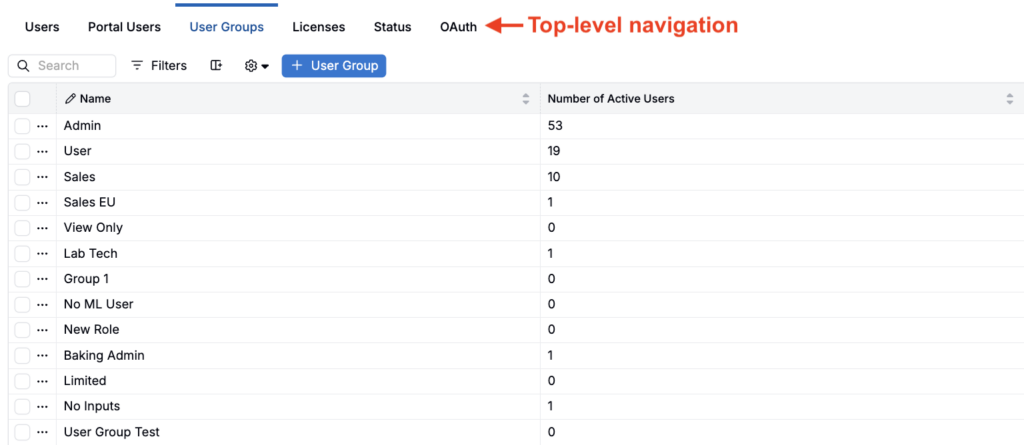
Updated: All listing pages with menus use the same collapsible side navigation pattern.
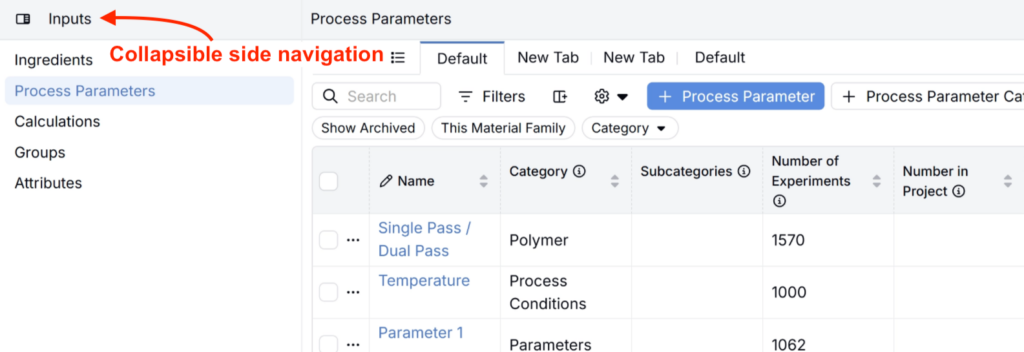
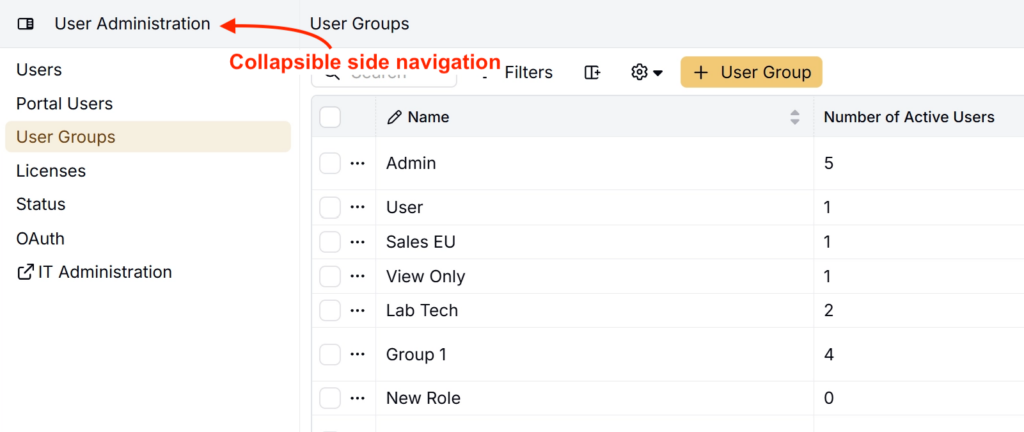
To collapse a menu, click the Toggle sidebar icon. Your preference is remembered per page, so each listing page will reopen in the state you last used.
Rollout
On Wednesday, August 12, 2026, the side panel menus will replace top-level navigation menus on all relevant listing pages. No action is required.