The Edit Favorites page allows users to customize the links that appear in the Uncountable navigation bar, the Favorites tab, landing page, and mobile landing pages. Favorites can be configured at the level of individual users, user groups, or material families.
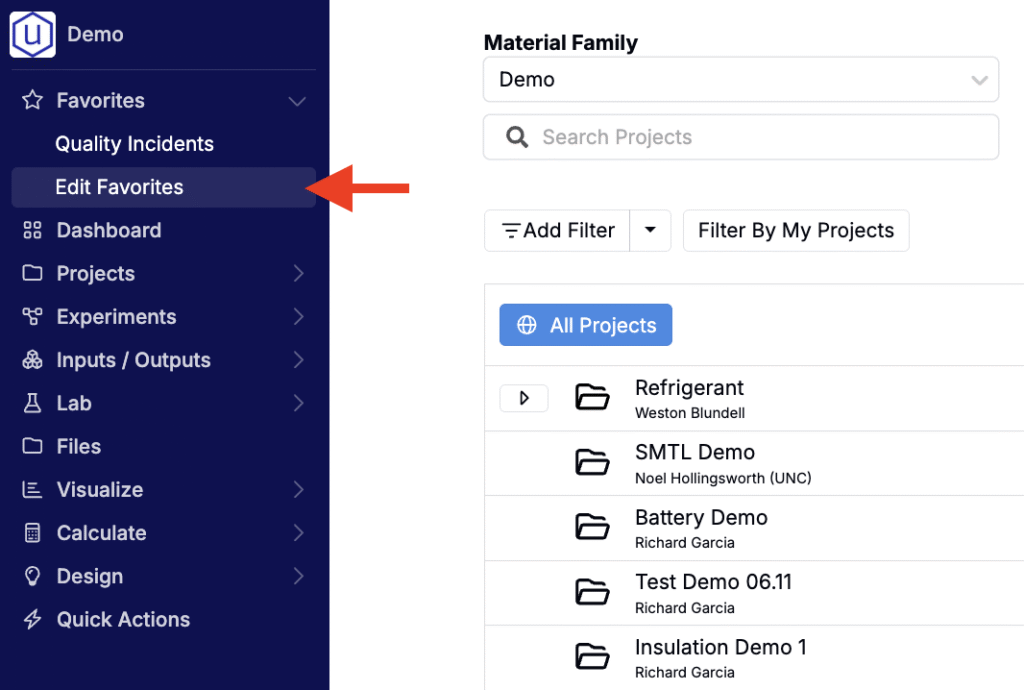
Access the Edit Favorites page by selecting Favorites > Edit Favorites from the Uncountable navigation bar.
Link Location
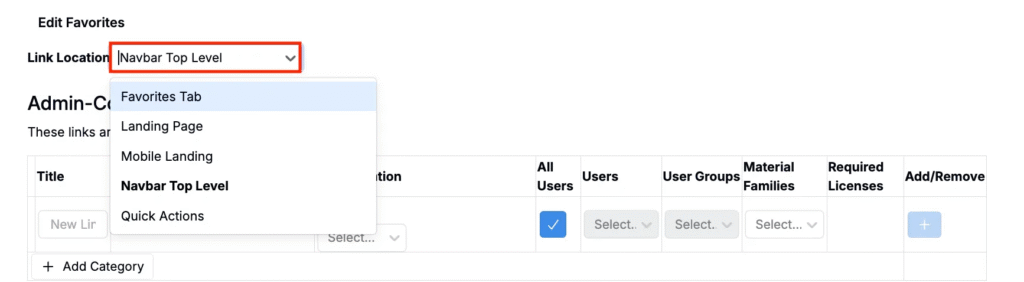
From the Edit Favorites page, begin by selecting a Link Location:
- Favorites Tab
- Landing Page
- Mobile Landing
- Nav Bar Top Level
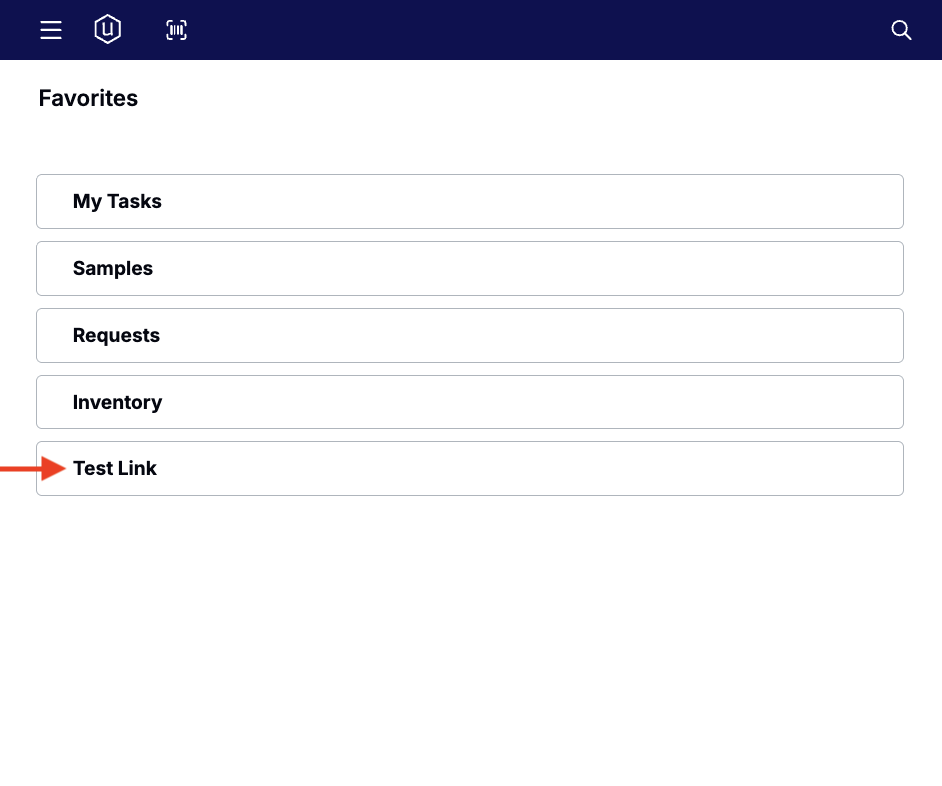
Favorites Tab
Adds the link under the Favorites dropdown in the main navigation bar.
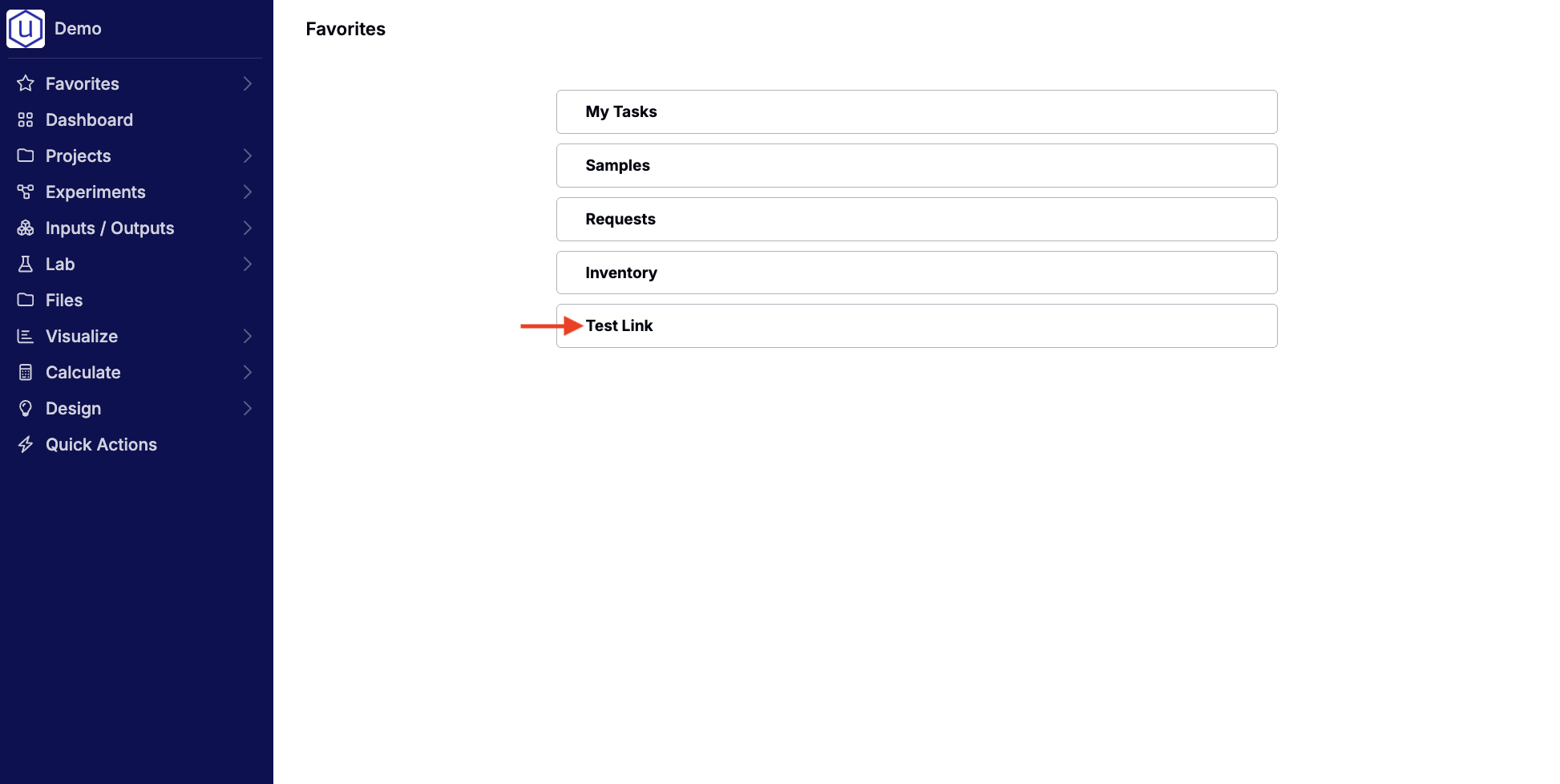
Landing Page
Displays the link on the desktop landing screen.
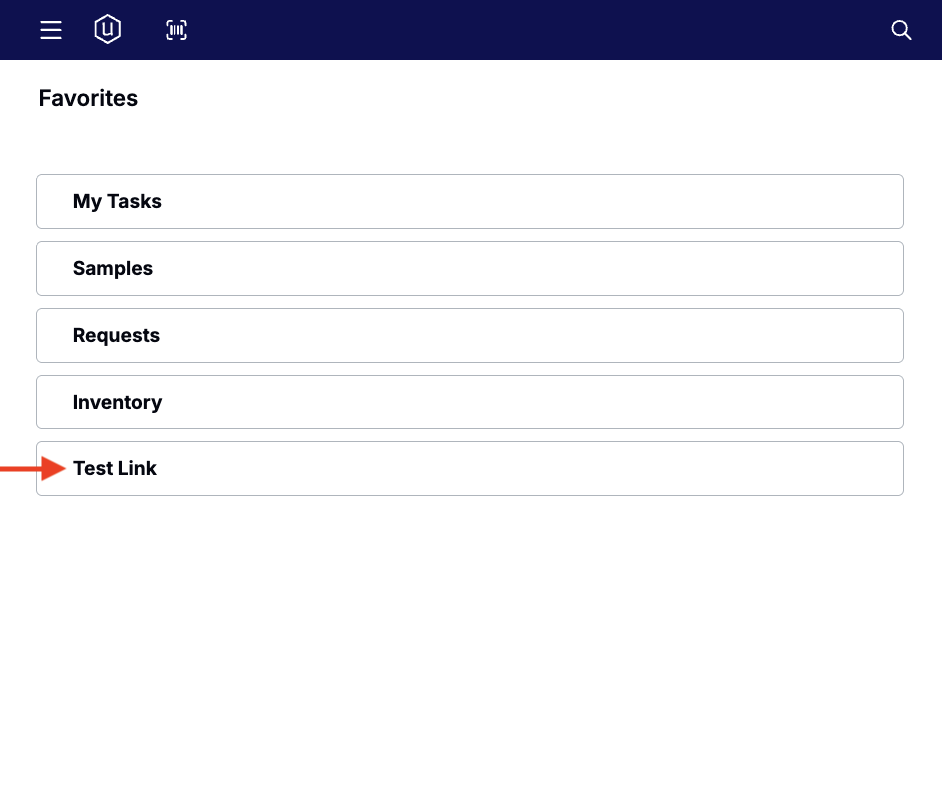
Mobile Landing
Displays the link on the mobile app’s landing screen.
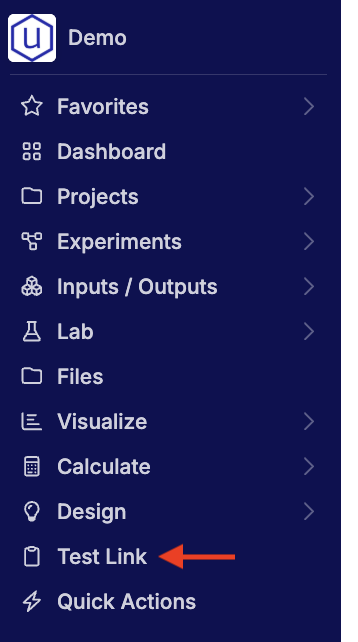
Nav Bar Top Level
Places the link directly in the top-level navigation bar for quick access.
Link Visibility
For each link location, favorites can be set individually by users or managed centrally by admins for specific users, groups, or material families.
Admin-Controlled Links
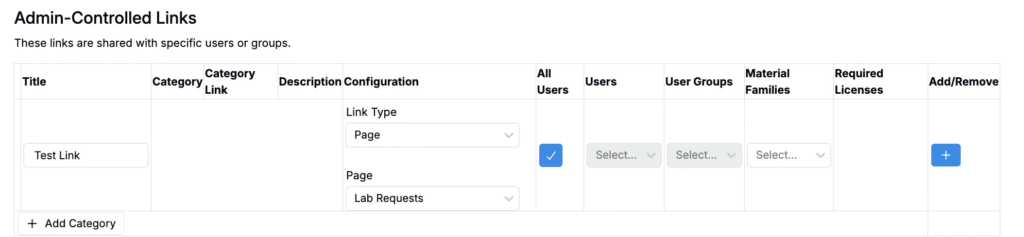
Links in this section are created and maintained by admins. They appear automatically for the selected users or groups.
To configure an admin-controlled link:
- Add a Title.
- Choose a Link Type (entity, page, listing, or custom).
- Set Visibility:
- All Users – applies the link to every user.
- User Group – assign to selected groups.
- Individual Users – assign to specific people.
- Material Family – assign to relevant material families.
- Click the blue + icon to save.
- Admins can also organize links by Category. To create one, click + Add Category, then assign it to relevant links for easier grouping and navigation.
User Links
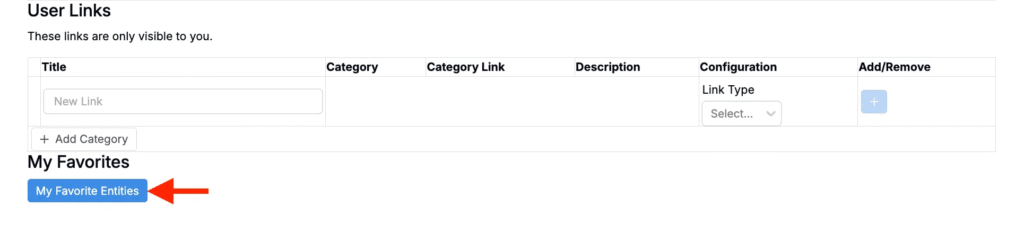
Within the User Links section, users can maintain their own private set of favorites, which are only visible to them.
To add a personal favorite:
- Add a Title.
- Choose a Link Type.
- Click the blue + icon to save.
User Favorites
At the bottom of the page, click My Favorite Entities to open your personal favorites listing.
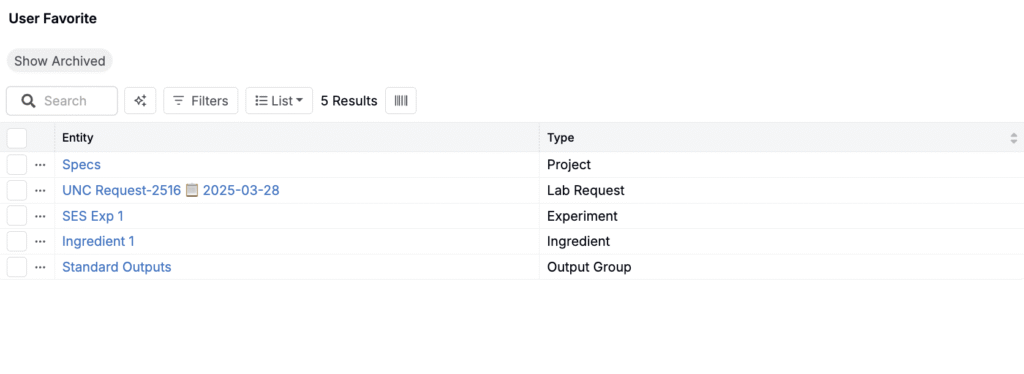
The User Favorites page shows all entities you’ve favorited across the platform—such as projects, experiments, lab requests, ingredients, and output groups. Like other listings, the table is searchable, filterable, and customizable with adjustable columns.
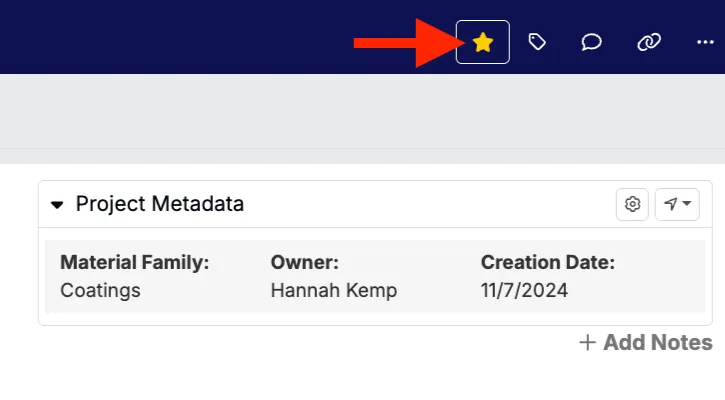
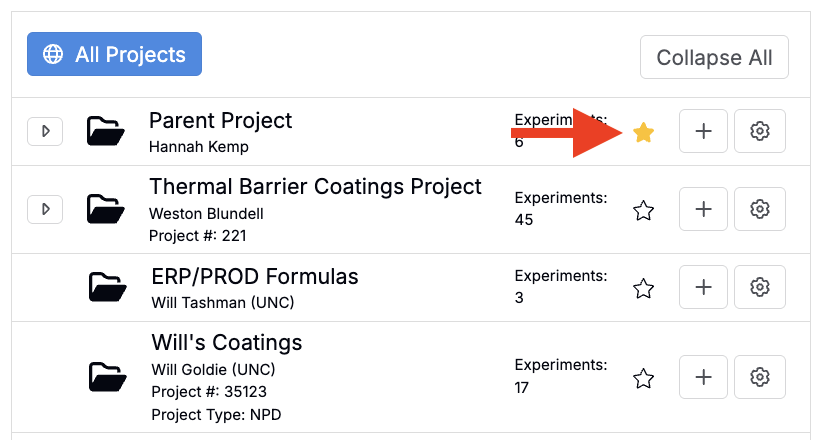
To favorite an entity, click the ⭐ icon in the Uncountable header on that entity’s page (or on the Select Projects page for projects).