
On Friday, October 16, 2026, Uncountable will update the Notebooks tab on the project page. The tab will show a listing of notebooks associated with the current project, replacing the legacy view that displayed one notebook at a time. The listing makes it easier to find, sort, and filter a project’s notebooks, and it follows the same layout as the main Notebooks listing page.
What’s changing
Notebooks appear in a listing
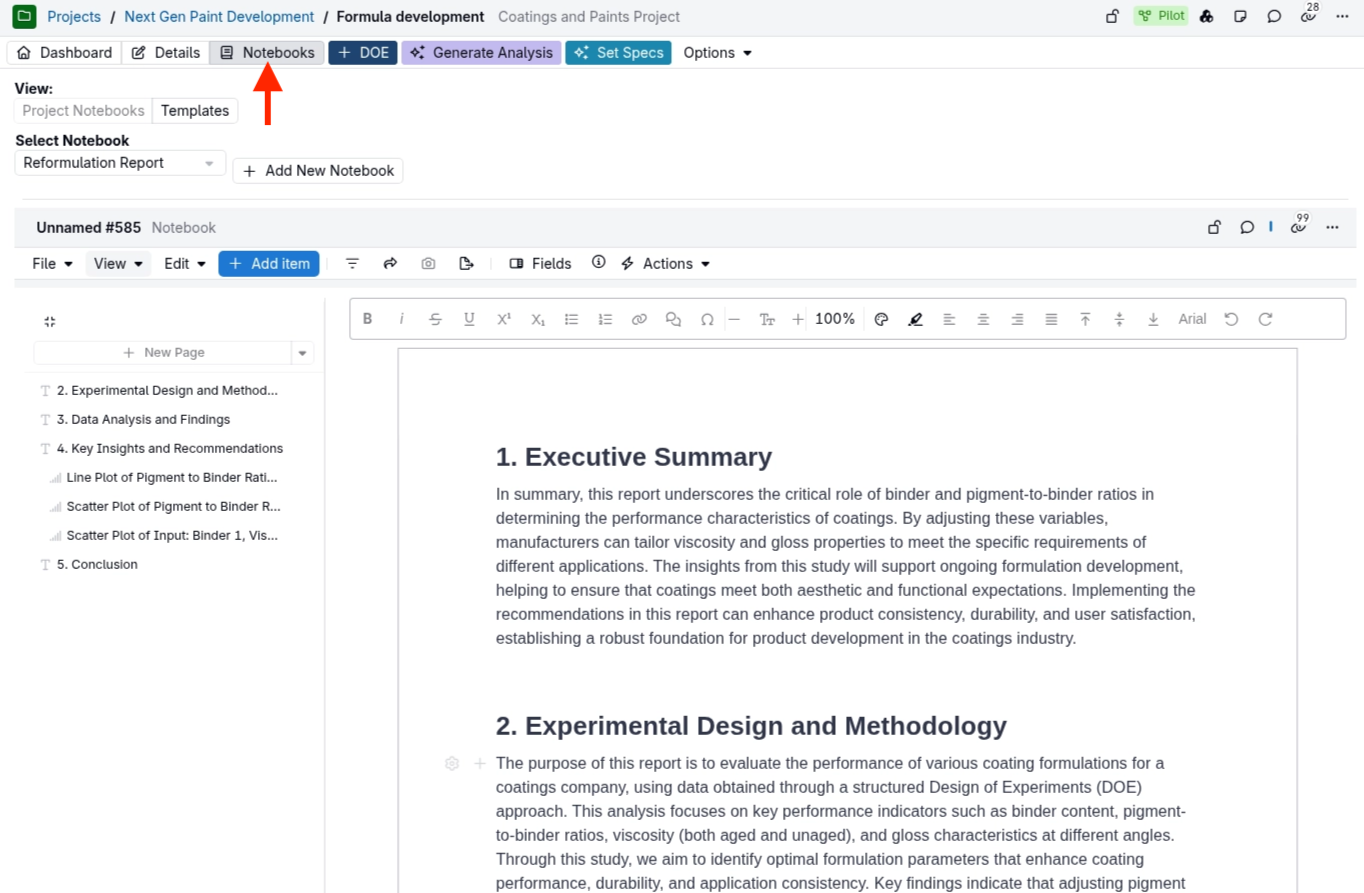
Before: The Notebooks tab showed a Select Notebook dropdown and displayed the selected notebook inline, in a frame that cut off part of the notebook.
After the update: The Notebooks tab will show a listing of notebooks filtered to the current project. You can search, filter, sort, and choose columns the same way as on other listings. Click a notebook name to open it in the sidepanel.
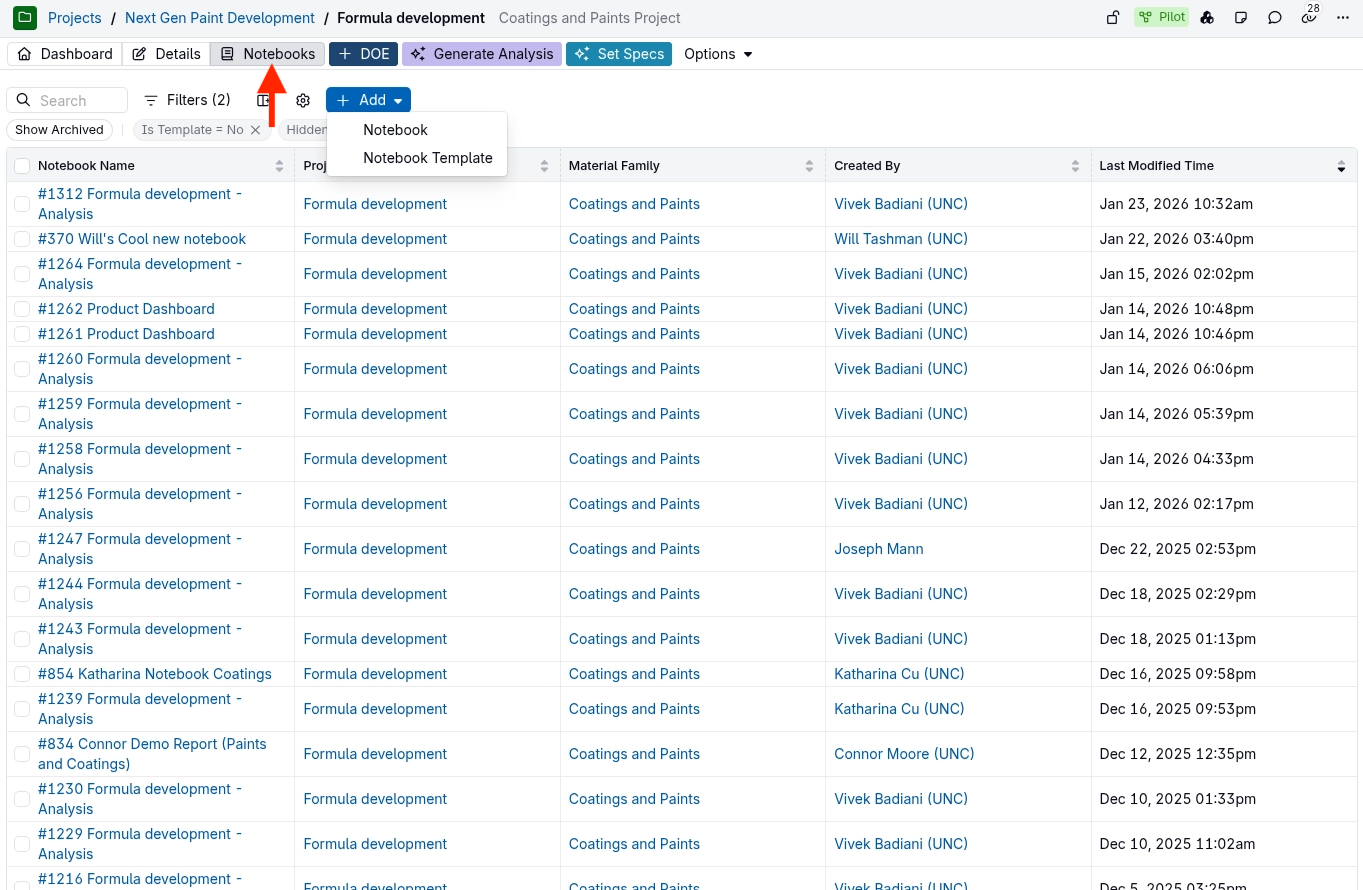
Note: Column and filter changes you make on the project Notebooks tab are saved separately from the main Notebooks listing page, so changes in one place do not affect the other.
Templates are shown with a filter
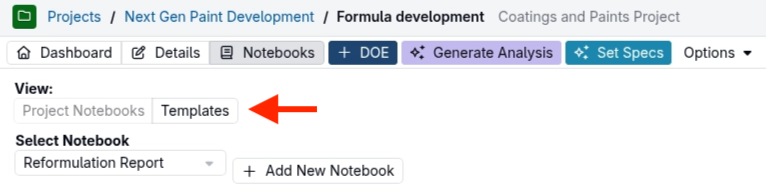
Before: A View toggle switched between Project Notebooks and Templates.
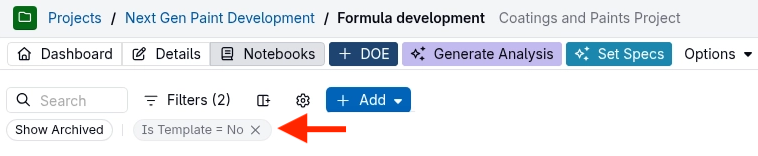
After the update: Templates will be hidden by default with the Is Template = No filter. To see notebook templates, change or remove this filter.
Rollout
This update will go live on Friday, October 16, 2026. Notebooks and their contents are not changed, and no action is required. For more on working with notebooks, see Notebooks.