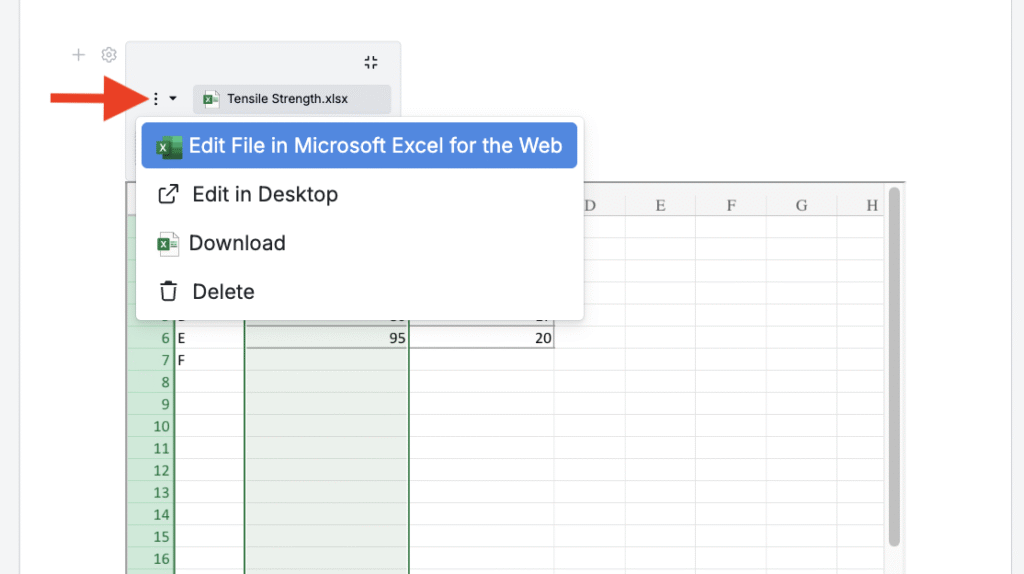
Uncountable integrates with Microsoft Office 365 so you can create and embed Word documents, PowerPoint presentations, and Excel spreadsheets directly within a notebook. This makes it easy to include supporting files and analysis alongside your project data.
*To activate the Microsoft Office 365 integration, please talk to your account manager.*
Adding a Microsoft Office File
- In a notebook, click + Add Item.
- From the dropdown, select Word, PowerPoint, or Excel.
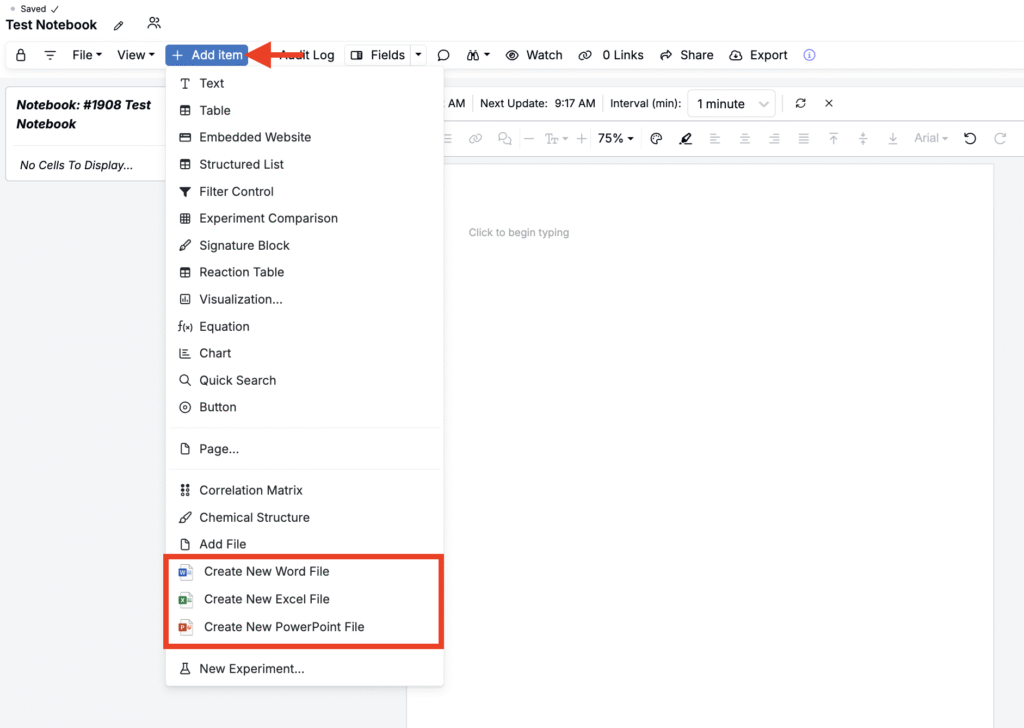
- Enter a name for your file.
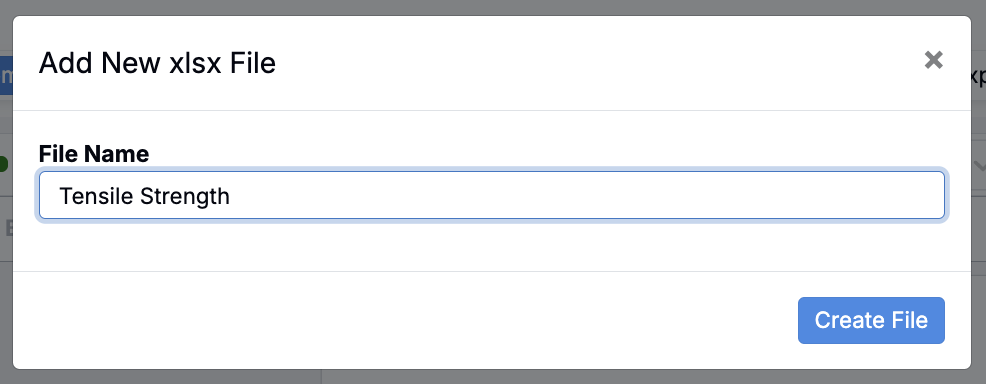
- Once you’ve clicked Create File, you’ll be redirected to your new file in Office Online.
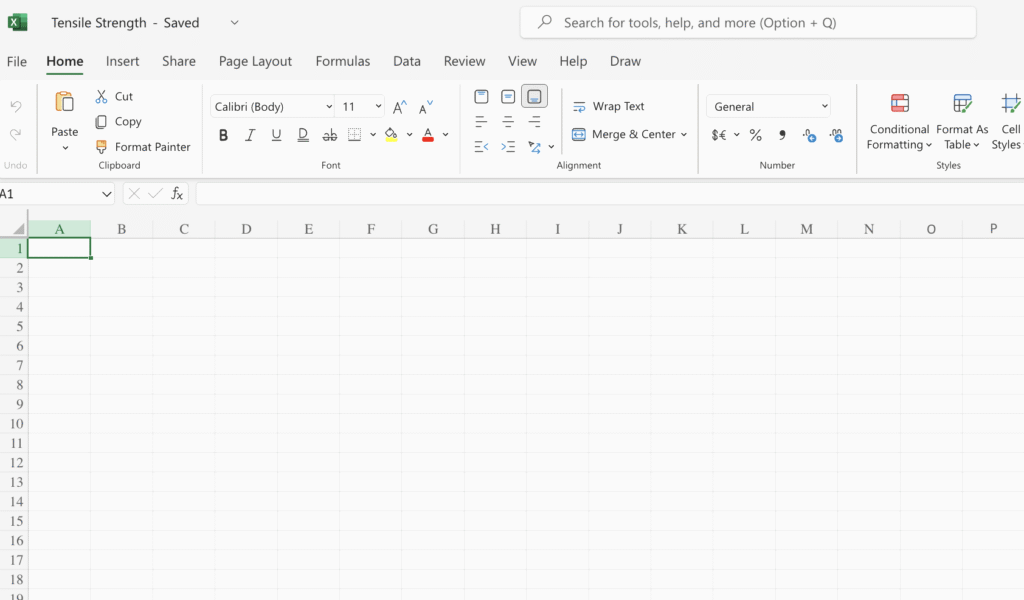
- Here, you can create your doc, spreadsheet, or powerpoint. Any changes made will save automatically.
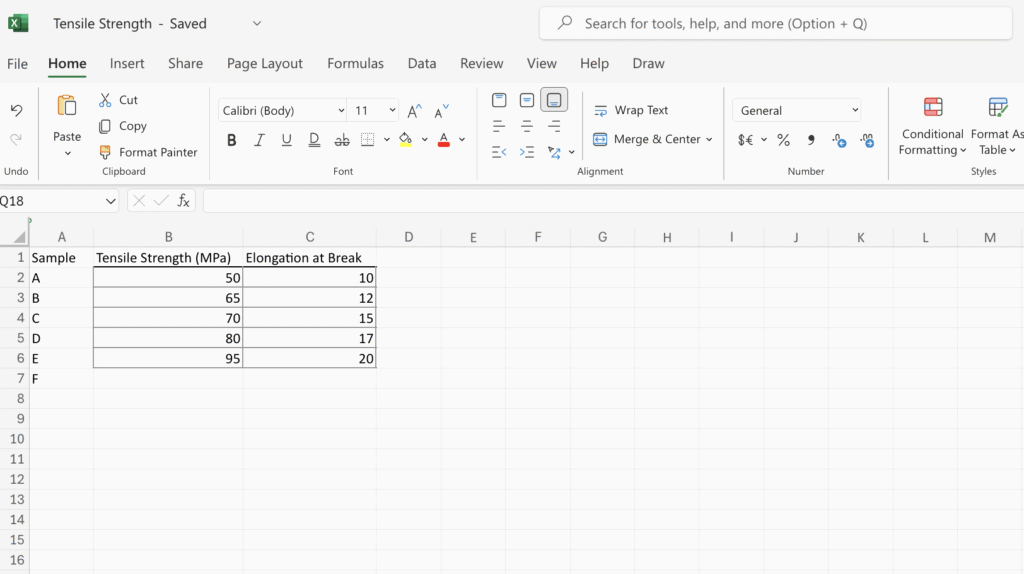
Editing and Viewing Files
Once you’ve finished working in Office Online, you can return to your notebook. The file will be embedded as a view-only preview, so you can always reference it in context.
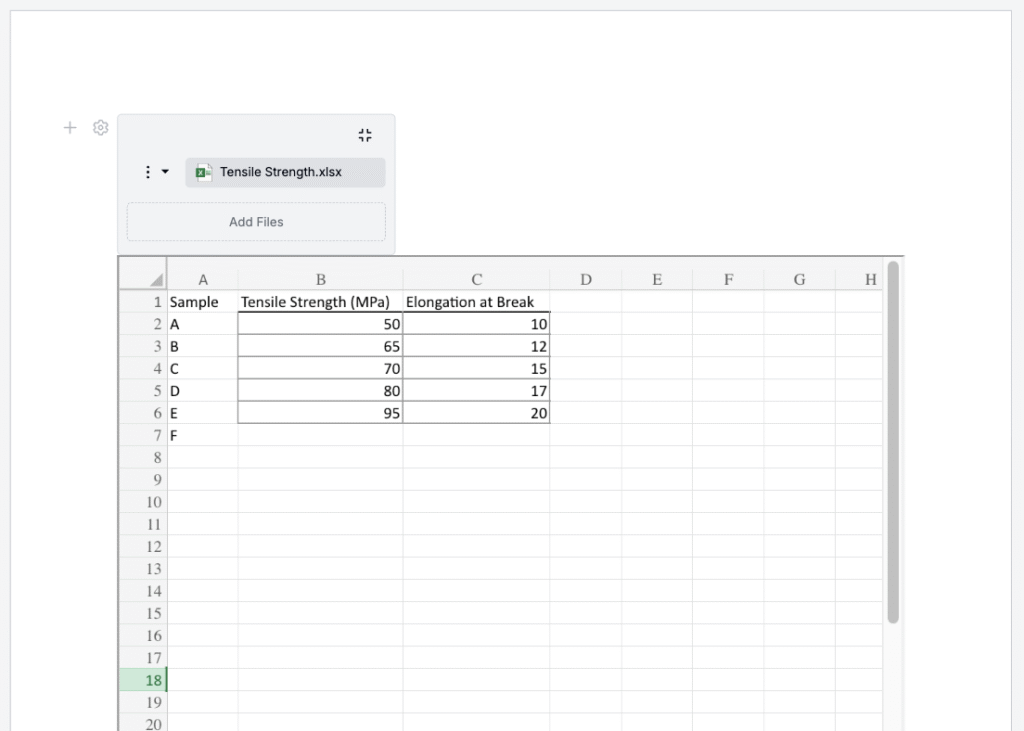
To edit again, click the … menu on the file in your notebook and select one of the edit options.