
We’re making a few changes to the header on the Recipe view of experiments to reduce clutter and clarify available actions.
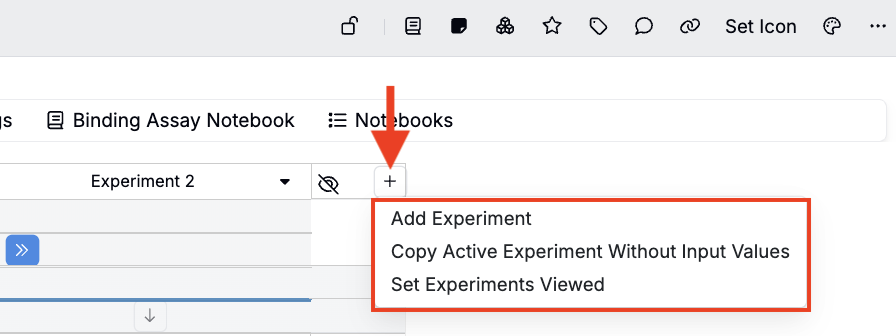
Gear icon updated to +
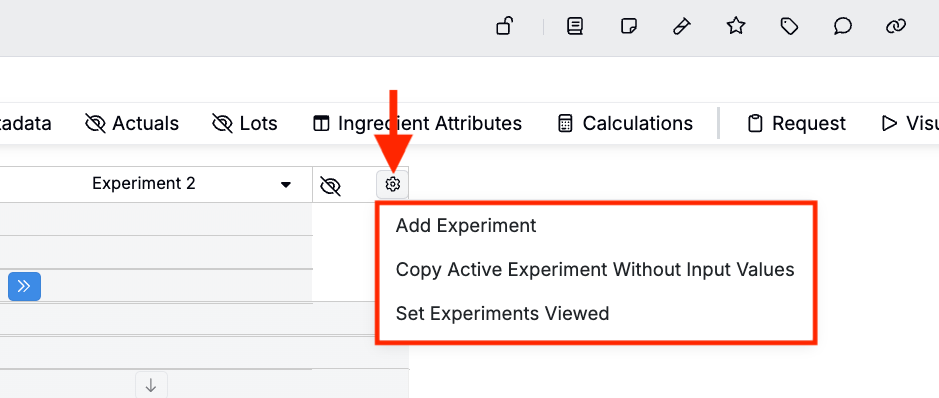
Previously, the Recipe header showed a ⚙️ icon that opens a menu of actions for managing experiments — including Add Experiment, Copy Active Experiment Without Input Values, and Set Experiments Viewed.
Now, the ⚙️ icon has been replaced with a ➕ icon. This better reflects that every option in the dropdown is an action to add one or more recipes to your view.
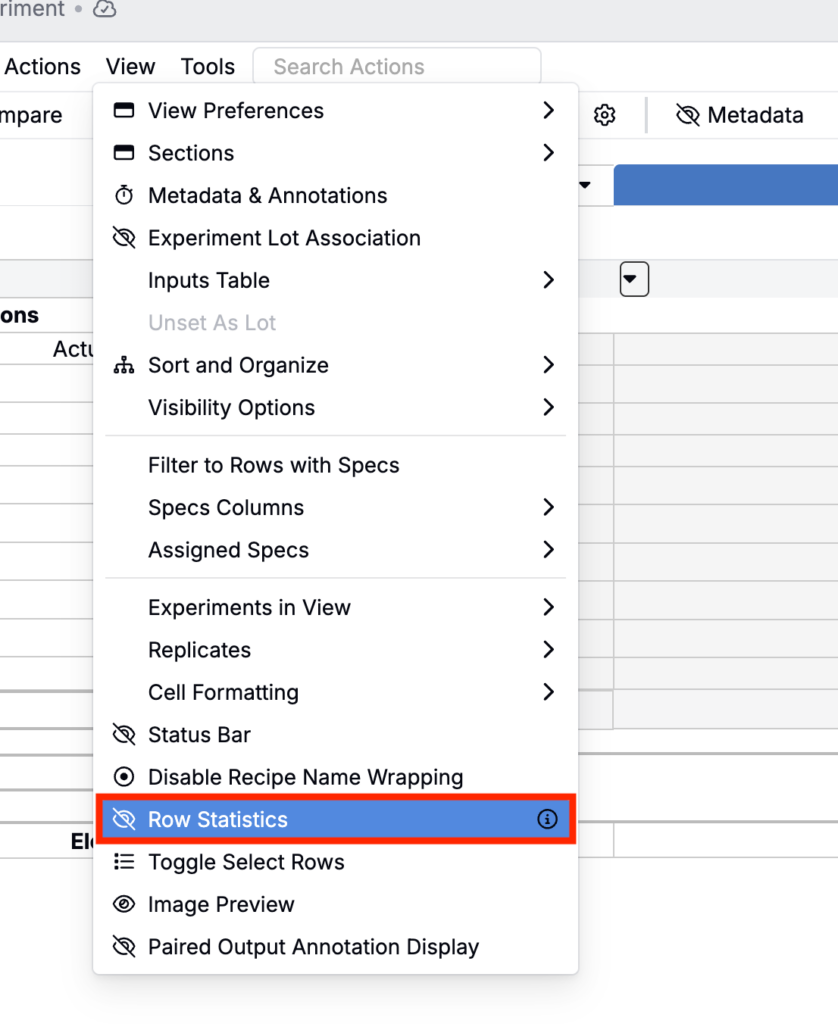
Row statistics toggle moving to the File Menu
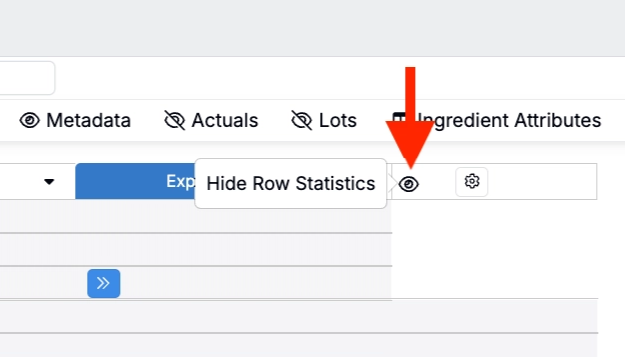
The Recipe header also contains a row statistics toggle (👁️ icon). Clicking it will show/hide an additional column with average, standard deviation, and n values for each row.
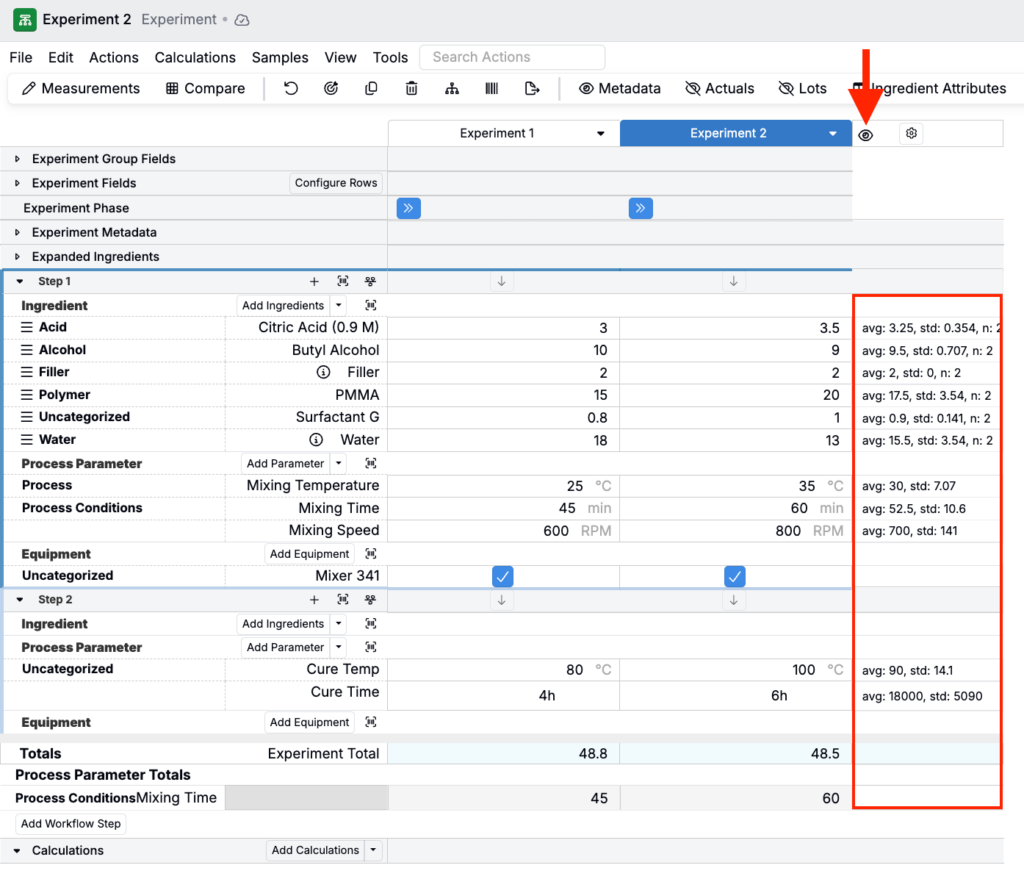
Next week, the 👁️ icon will be removed from the Recipe page by default. The action to display the row statistics column will move to the File Menu (View > Row Statistics).
When row statistics are enabled, the 👁️ icon still appears in the header so you can quickly remove the column from view.
Rollout
The ➕ icon change is currently live on the Recipe view of all experiments. The row statistics (👁️) update is scheduled to roll out next week. These changes will apply to all recipes across the platform. No action is required.