
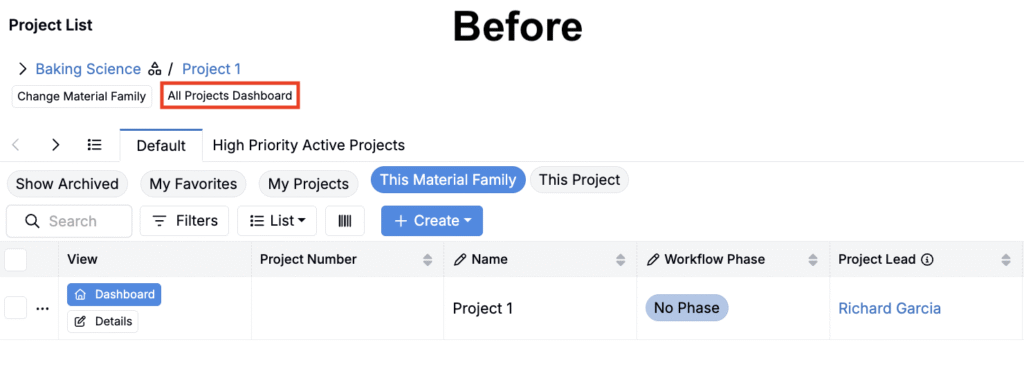
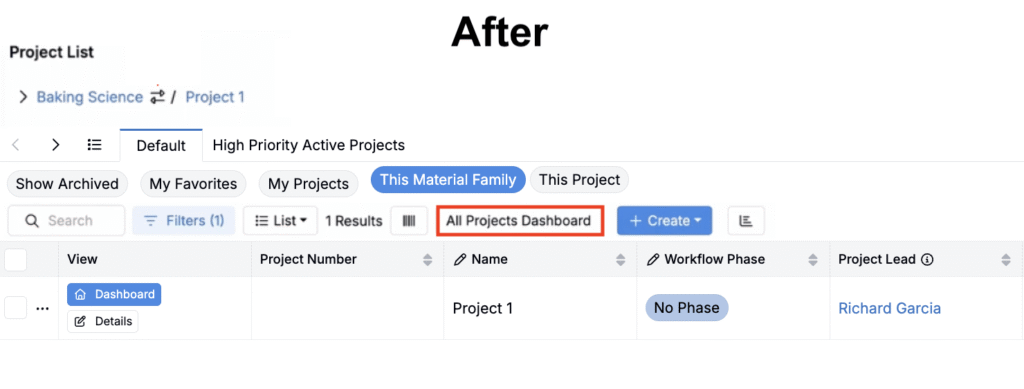
Later this week, we’re reducing visual noise on the Project List page by relocating the Change Material Family and All Projects Dashboard action buttons.
What’s changing
‘Change Material Family’ Button Removed
Before: The Project List included a Change Material Family button with its own modal.
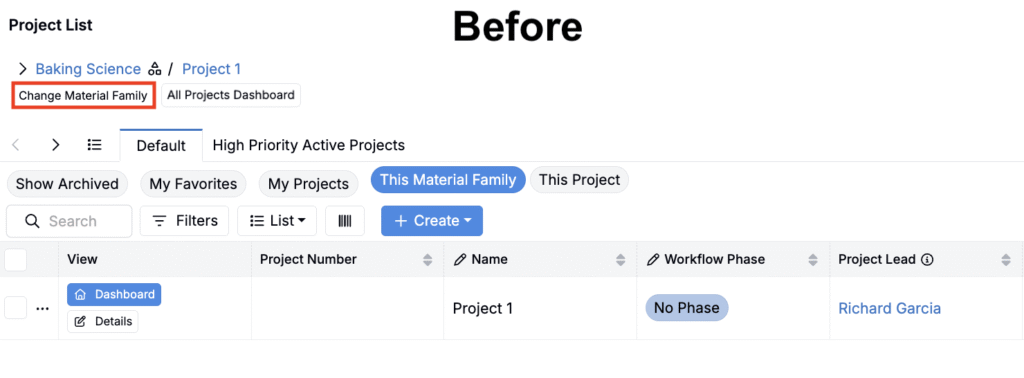
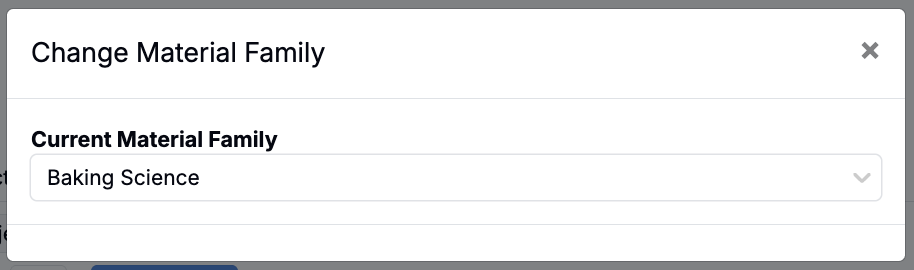
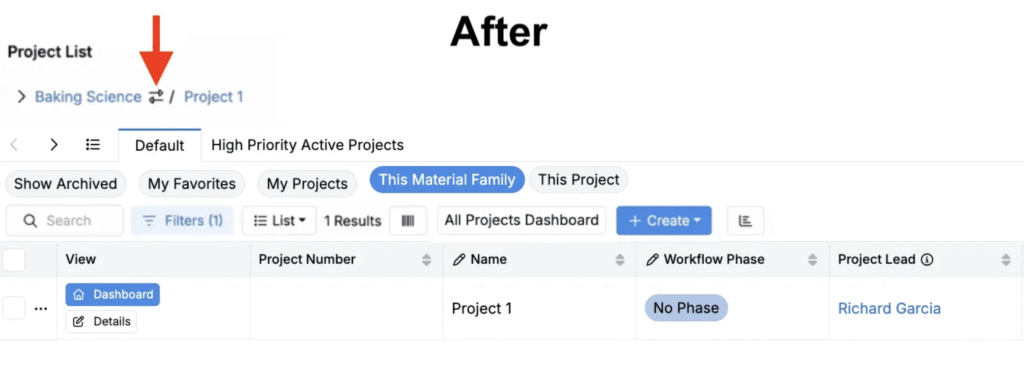
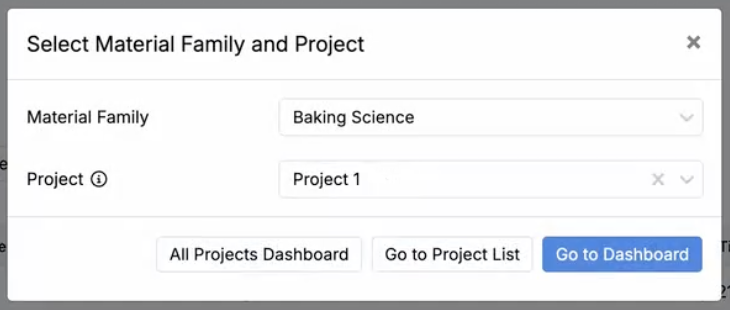
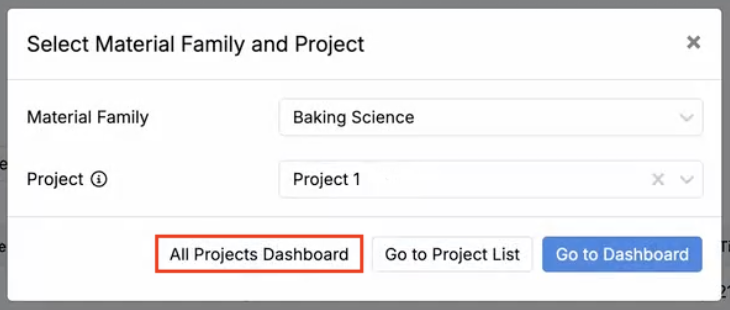
Updated: The in-line button and legacy modal will be removed. A new change icon will now appear next to the Material Family breadcrumb. Clicking it will open the Select Material Family and Project modal, where you can select a material family and project and navigate to the Project List or Dashboard view.
‘All Projects Dashboard’ Button Relocated
Before: The Project List included a All Projects Dashboard button.
Now: The All Project Dashboard button will be relocated to the top action row, in line with other primary actions. This button will also be accesible from the Select Material Family and Project modal.
Why this helps
These updates reduce visual noise on the Project List while keeping high-value actions obvious and consistent with existing navigation patterns.
Rollout
These updates are scheduled to go live on Friday, November 7, 2025.