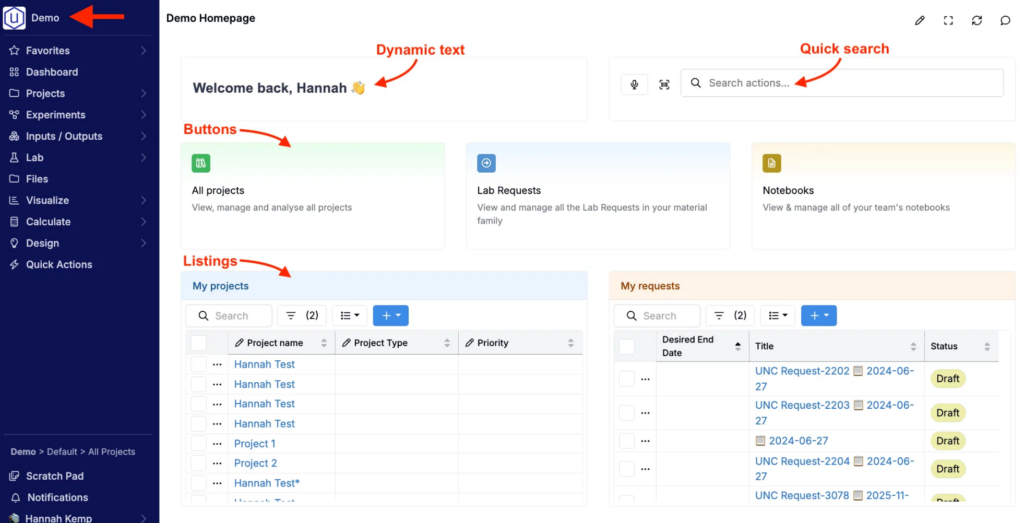
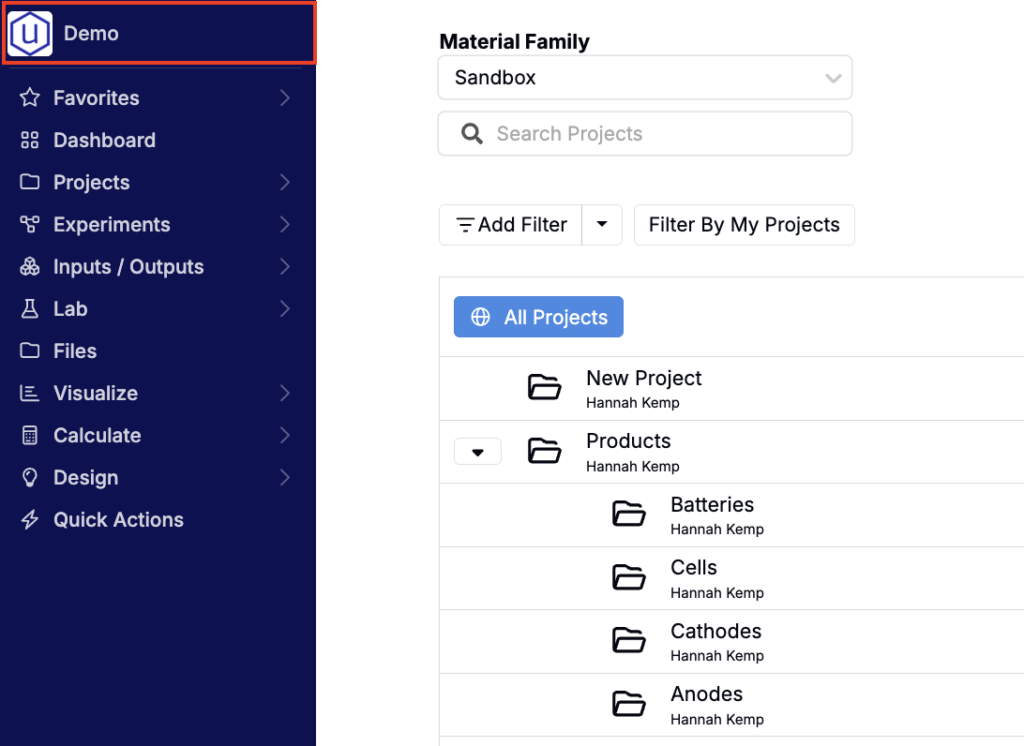
In Uncountable, selecting your company name or the logo in the top navigation bar takes you to your homepage. Each material family can have its own homepage, so different teams can land on the page that best matches their workflow.
Homepages can be standard pages (like listings, projects, or notebooks) or fully custom dashboards. If no homepage is configured, the logo routes to the Select Projects page by default.
How to Set the Homepage for a Material Family
To change which page opens when the Uncountable logo is selected:
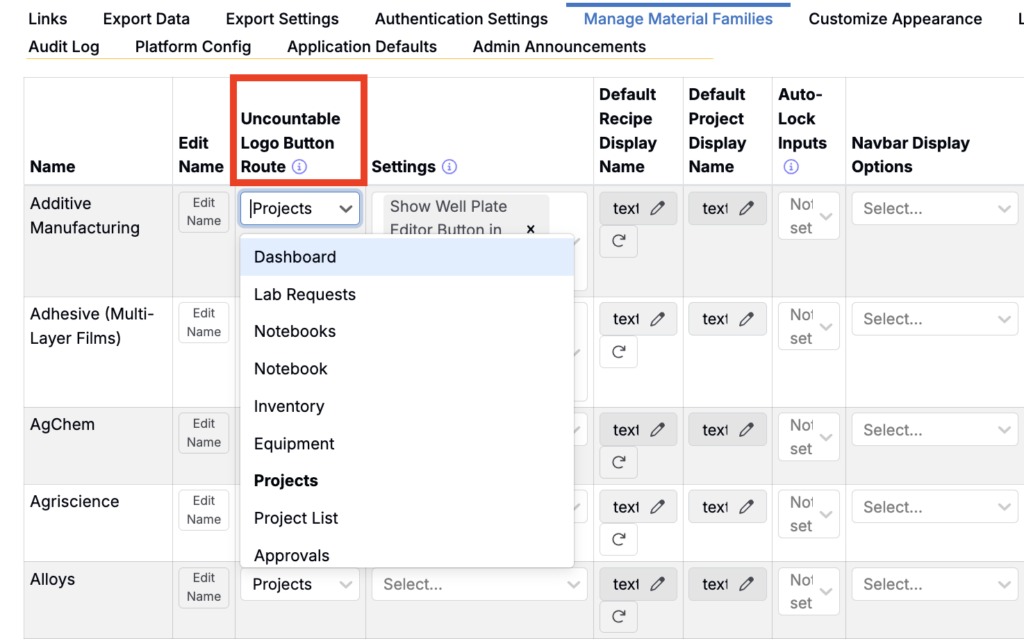
- Navigate to the Company-Wide Settings > Manage Material Families.
- Find the material family you want to update.
- In the Uncountable Logo Button Route dropdown, choose the page you’d like to set as the homepage. Options include:
- Dashboard
- Lab Requests
- Notebook (single notebook view)
- Notebooks (listing of all notebooks)
- Inventory
- Equipment
- Projects
- Project List
- All Projects
- Favorites
- Once saved, clicking the Uncountable logo will direct all users in that material family to the selected page.
Custom Uncountable Homepages
In addition to routing the logo to a standard page, you can also set a material family’s homepage to a custom homepage dashboard.
These custom homepages are built using dashboard notebooks and can include elements like quick links, search, and personalized listings. For setup steps and examples, see Custom Uncountable Homepages.