
We’re simplifying the “Add” buttons on the Recipe and Measurements views of experiments by replacing text buttons with a single icon.
Note: Depending on your platform configuration, Experiments, Recipe, and Measurements may appear under different names, such as Samples or Formulations.
What’s changing
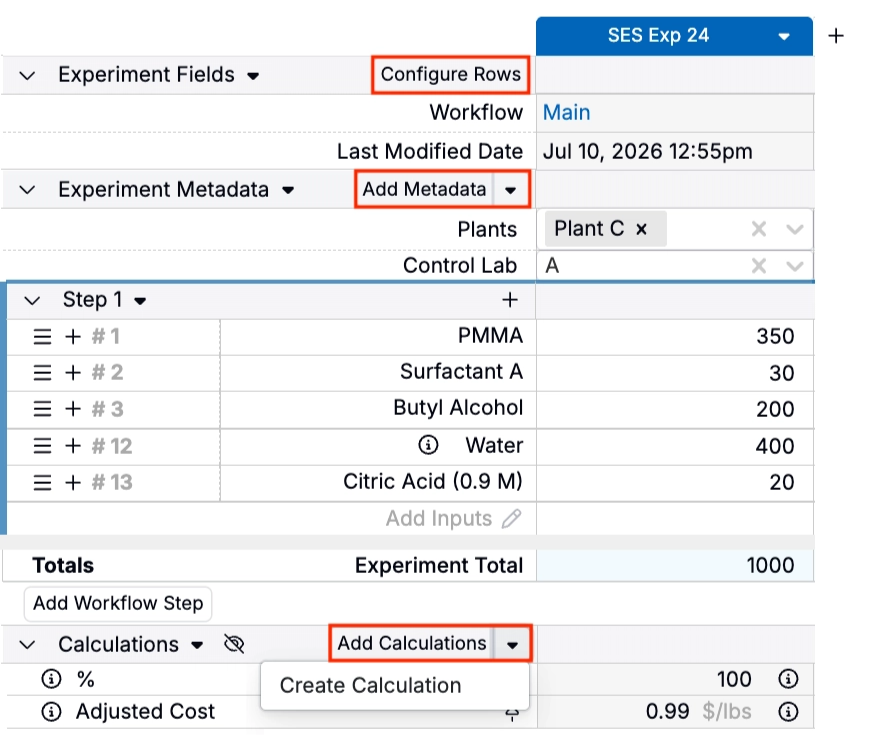
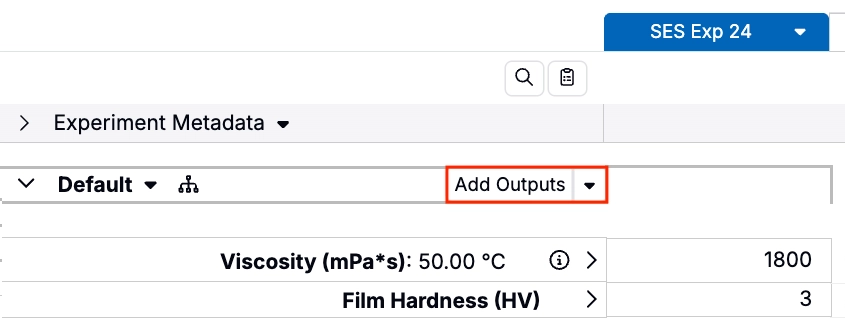
Before
Experiment Fields, Metadata, Calculations, and Outputs sections used text-based buttons for adding new items. For Calculations, you could also create a new calculation by selecting Create Calculation from the button menu.
After
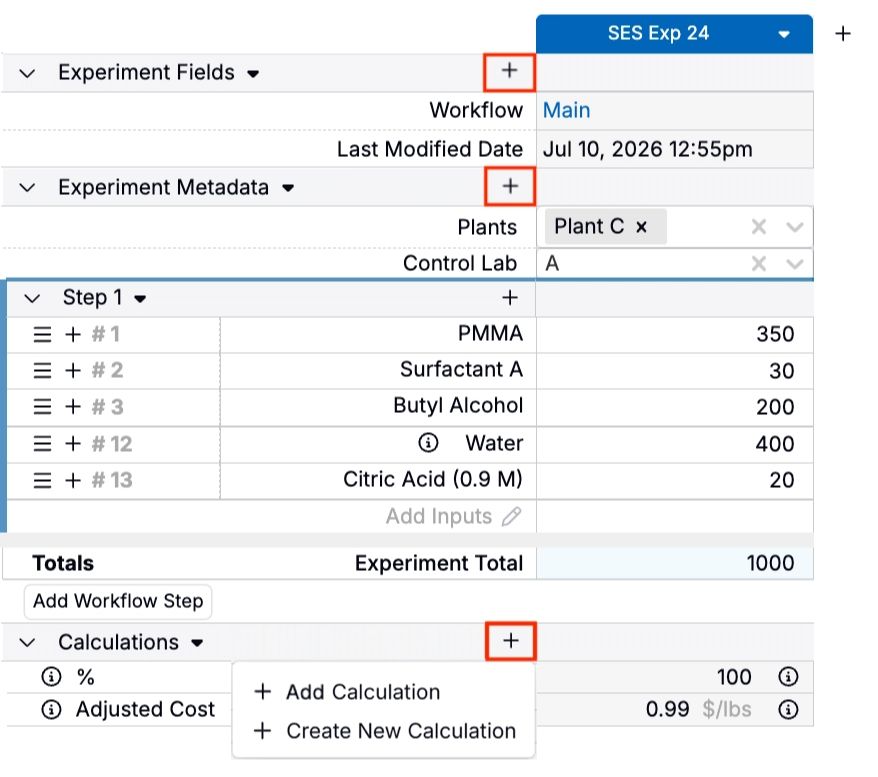
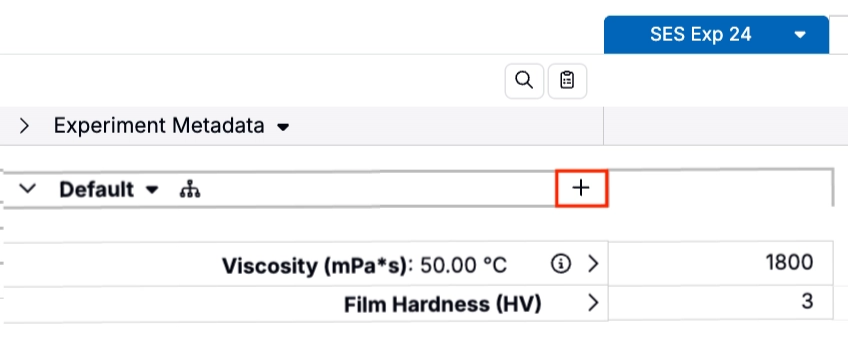
These text buttons are being replaced with a single ➕ icon in each section header.
For Calculations, clicking the ➕ icon opens a menu where you can either select an existing calculation or create a new one.
Rollout
This update is scheduled to go live on Wednesday, July 15th, 2026. It will apply to the Recipe and Measurements pages across all experiments. No action is required.