We’re redesigning the Date and Date/Time selectors across Uncountable. Instead of typing a full date into a single text box, you’ll now enter each part of the date in its own section, guided by the format for your locale.
Guided entry makes it clearer which part of the date you’re editing and helps prevent formatting mistakes, especially when working across different regional date formats.
What’s changing
Date Entry
Before: Dates were typed as free-form text into a single input field.
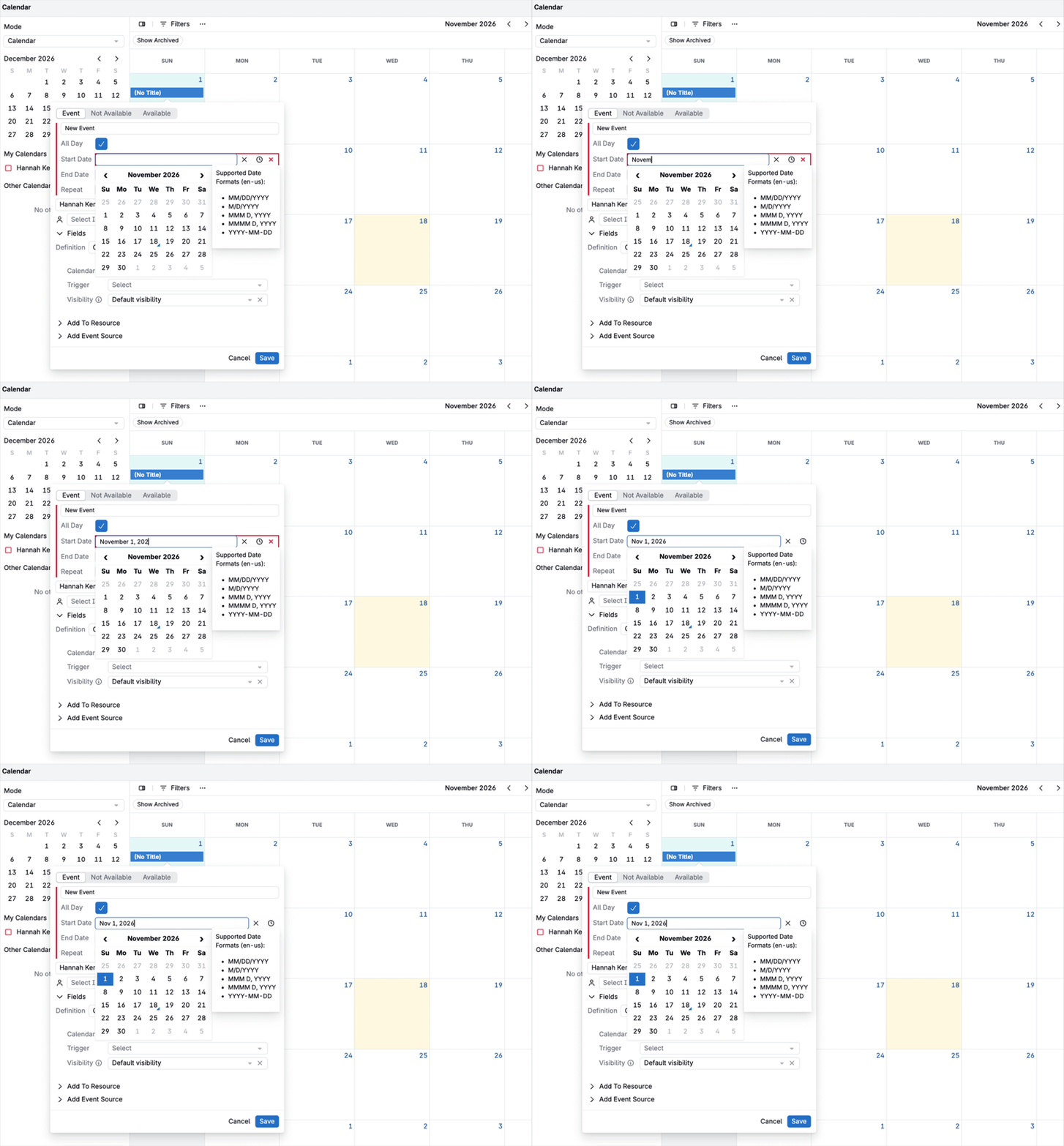
Now: The field is split into Month, Day, and Year sections. Type a value into each section (e.g. “11” for November), then press Tab or use the arrow keys to move to the next one. You can also pick a date from the calendar, or select Clear Selection to empty the field.
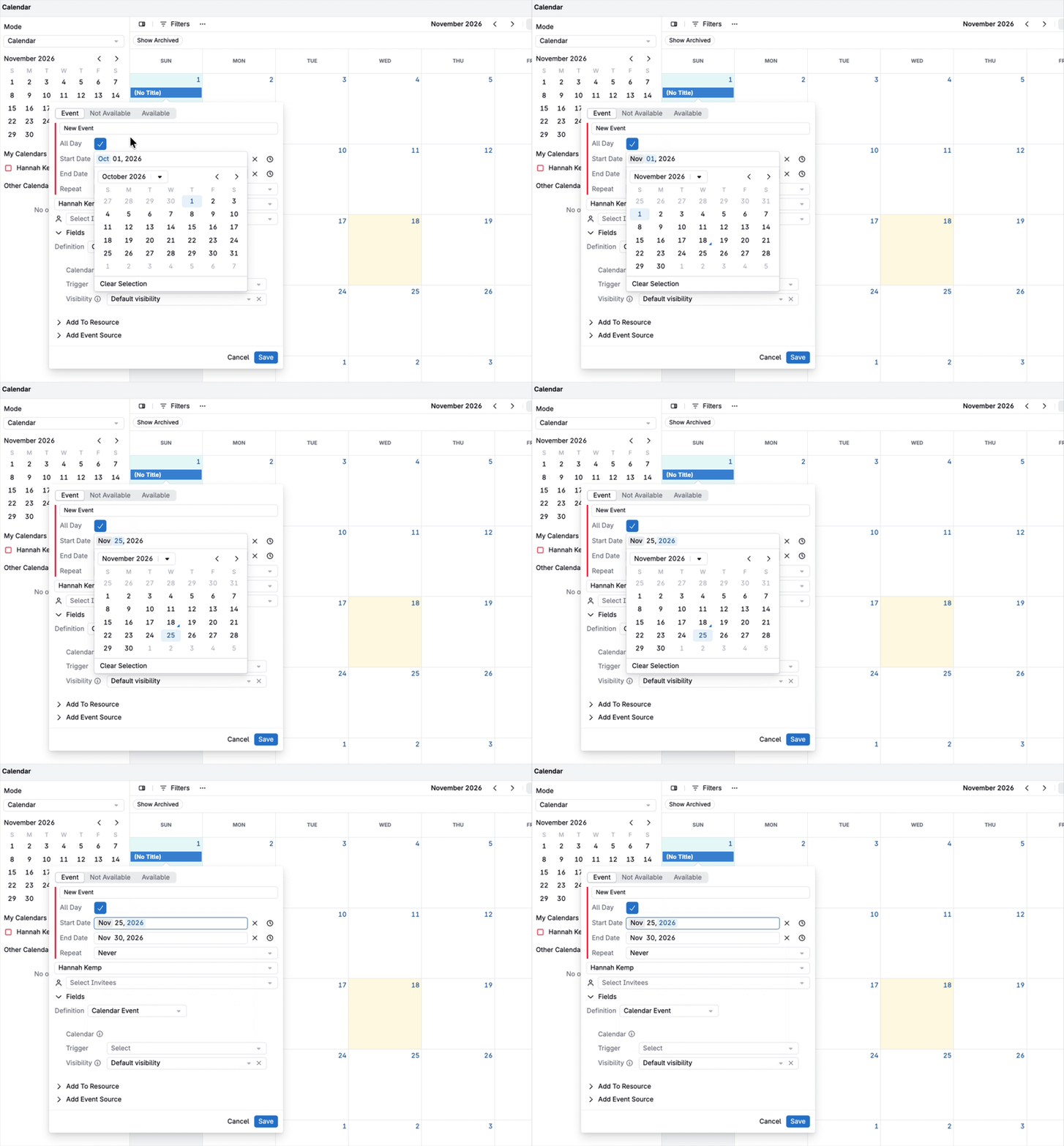
The redesigned selector appears wherever you enter a date, including forms, listing table cells, and the mobile view.
Time Entry
Before: The time picker included ▲ ▼ buttons for adjusting the time.
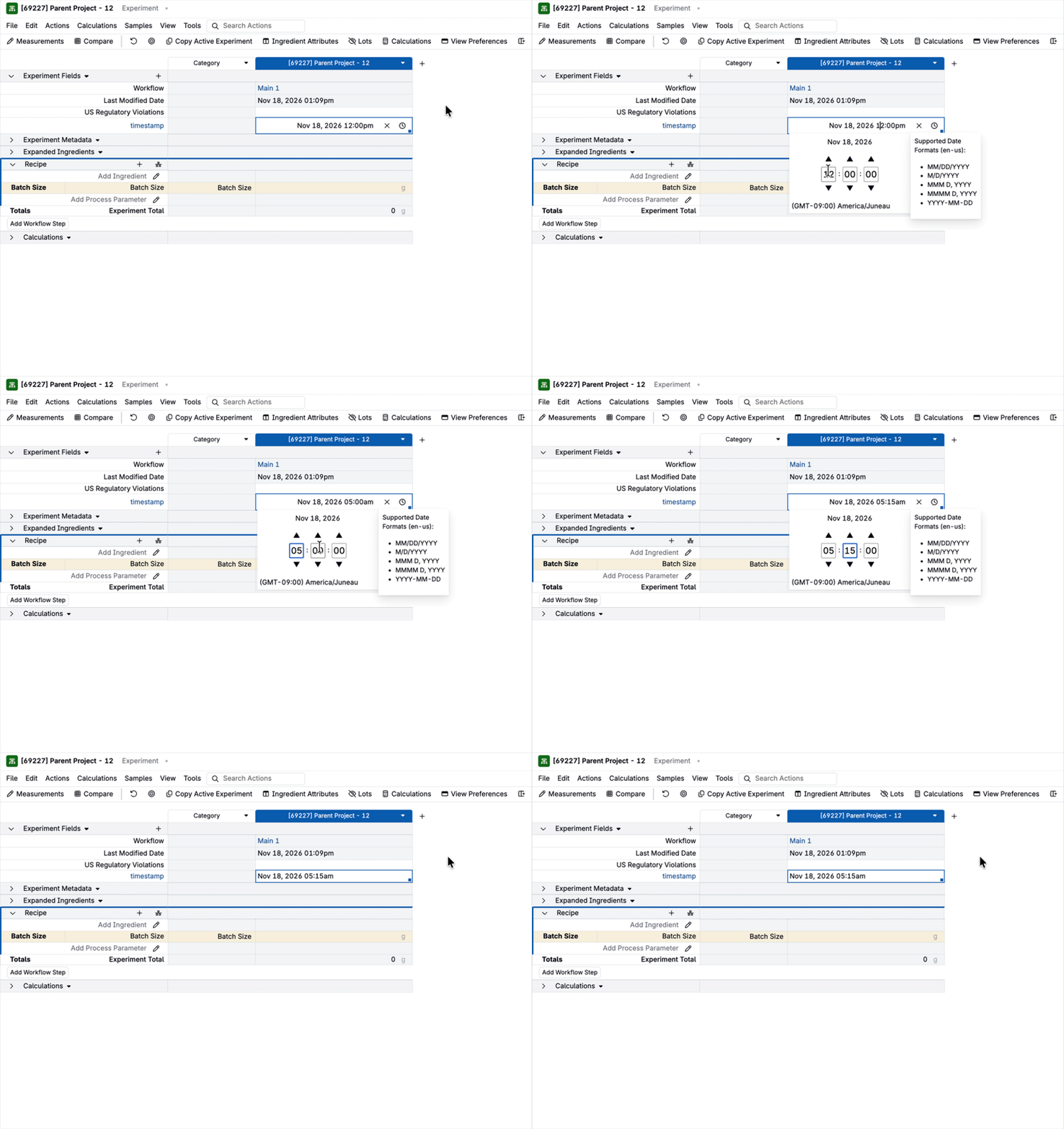
Now: The ▲ ▼ buttons have been removed. The time is entered in sections for hours, minutes, seconds, and AM/PM, the same way as the date.
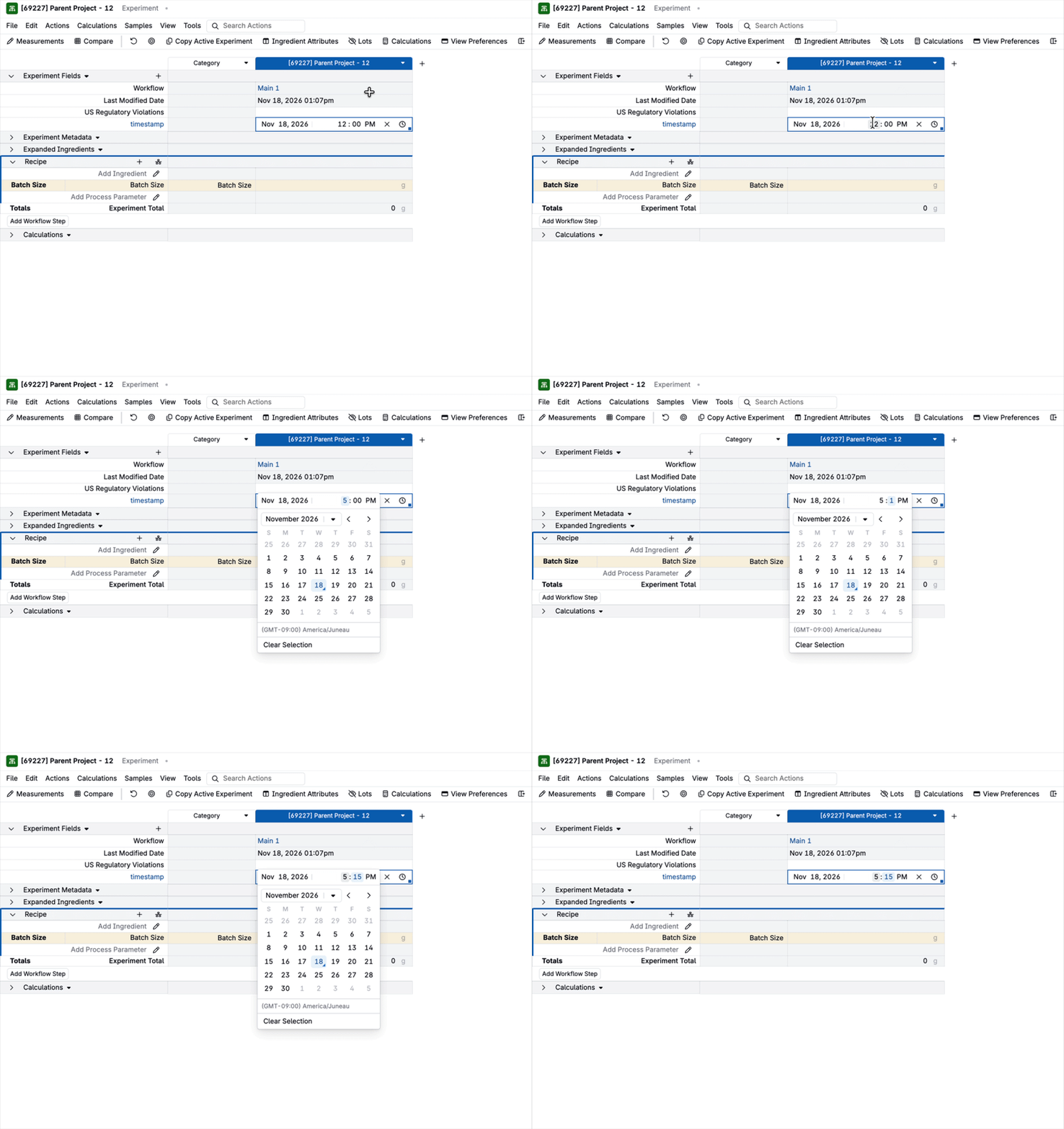
Locale Formats and Pasting
The order of the date sections follows your locale. For example, locales that use day-first dates (such as many European locales) show the Day section before the Month section.
Pasting a date into the field still works as before and accepts any of the date formats supported by your locale.
| Locale | Before (legacy control) | After (redesigned control) |
|---|---|---|
| English (US) · en-US | Dec 13, 2026 | Dec 13, 2026 |
| English (UK) · en-GB | Dec 13, 2026 | 13 Dec 2026 |
| German · de | Dec 13, 2026 | 13. Dez. 2026 |
| French · fr | Dec 13, 2026 | 13 déc. 2026 |
| Spanish · es | Dec 13, 2026 | 13 dic 2026 |
| Japanese · ja | Dec 13, 2026 | 2026 年 12 月 13日 |
| Chinese (Simplified) · zh-CN | Dec 13, 2026 | 2026 年 12 月 13日 |
| Korean · ko | Dec 13, 2026 | 2026년 12월 13일 |
Rollout
This update will become the default next week. It applies to Date and Date/Time selectors across the platform.
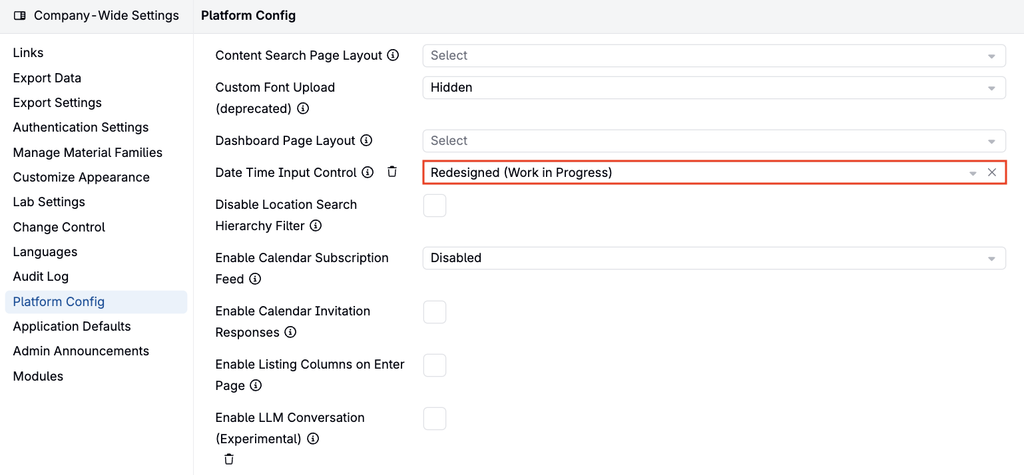
To opt in early or preview the changes, go to Company-Wide Settings > Platform Config and set Date Time Input Control to Redesigned (Work in Progress).