Experiment tags can be applied to experiments to classify and organize your Experiments view or Project Dashboard. Tags make it easier to filter and quickly locate experiments based on shared attributes or classifications.
Adding Experiment Tags
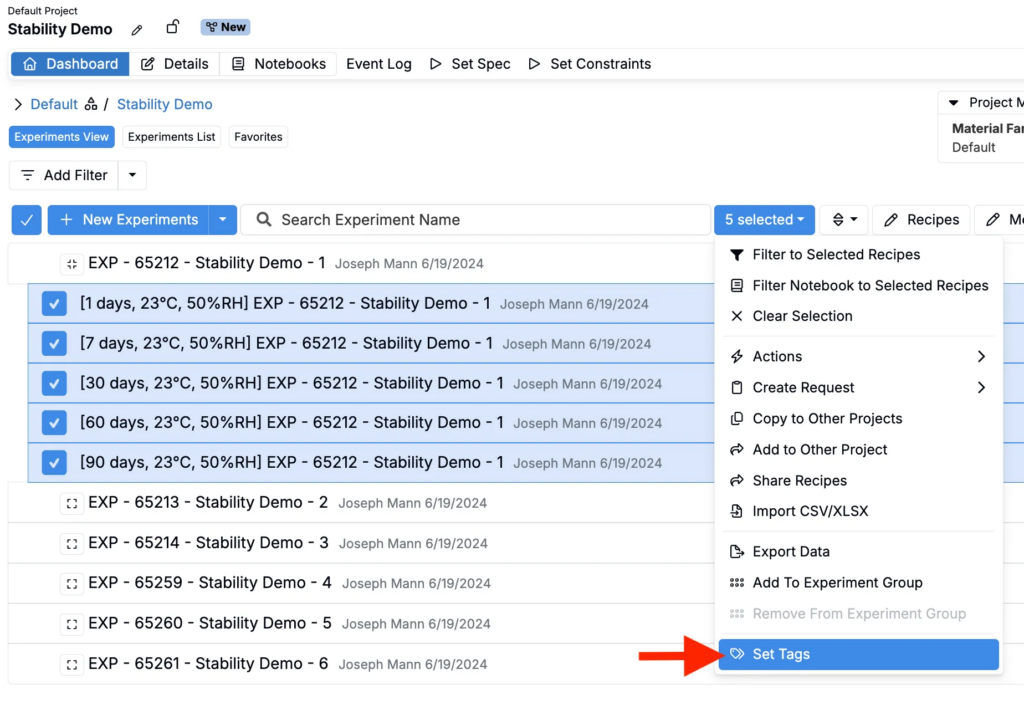
- From the a Project Dashboard or Experiments View of experiments across all projects, select one or more experiments.
- Access the selection menu and select Set Tags.
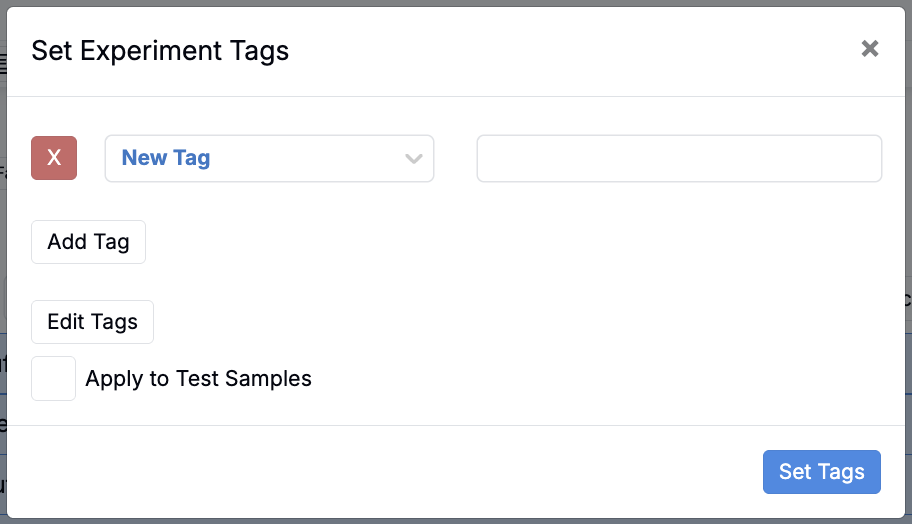
- In the modal, you can:
- Select from existing tags using the dropdown list.
- Add multiple tags by clicking Add Tag.
- Create a new tag by selecting New Tag and entering a name.
- Open the tags library by selecting Edit Tags to access the Experiment Tags library.
- Once you’ve chosen the tags, click Set Tags to apply them to your selected experiments.
Managing Tags in the Tags Library
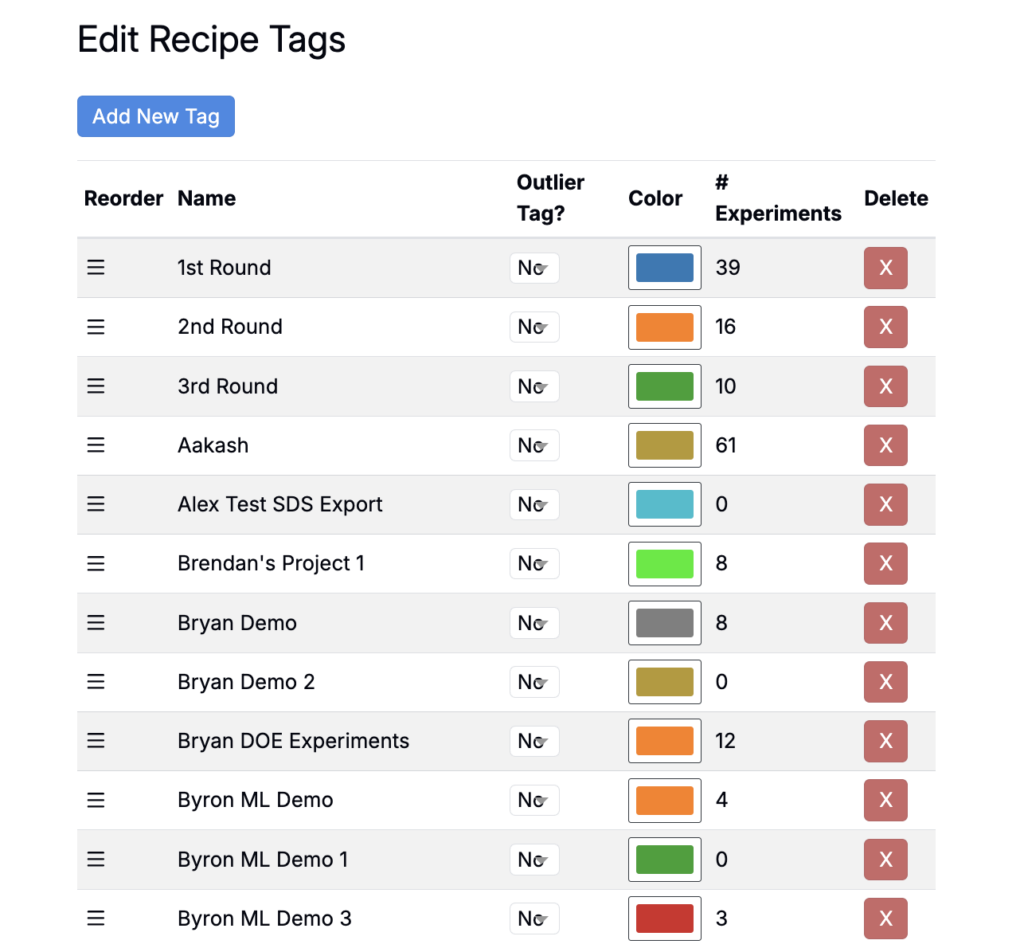
The Tags Library provides a central place to view and manage all tags within a project. From here, you can:
- See how many experiments are associated with each tag
- Add or delete tags
- Change tag colors
- Reorder tags by dragging and dropping them
- Mark specific tags as Outlier Tags, which can then be used to filter outliers in analysis