
On Friday, May 15th, we’re rolling out a few improvements to structured listing pages to make it easier to configure and navigate platform listings.
What’s changing
New Listing Settings menu button (⚙)
Previously, listing settings (e.g. Set Columns, tab and column actions, and tools) were accessed by clicking List.
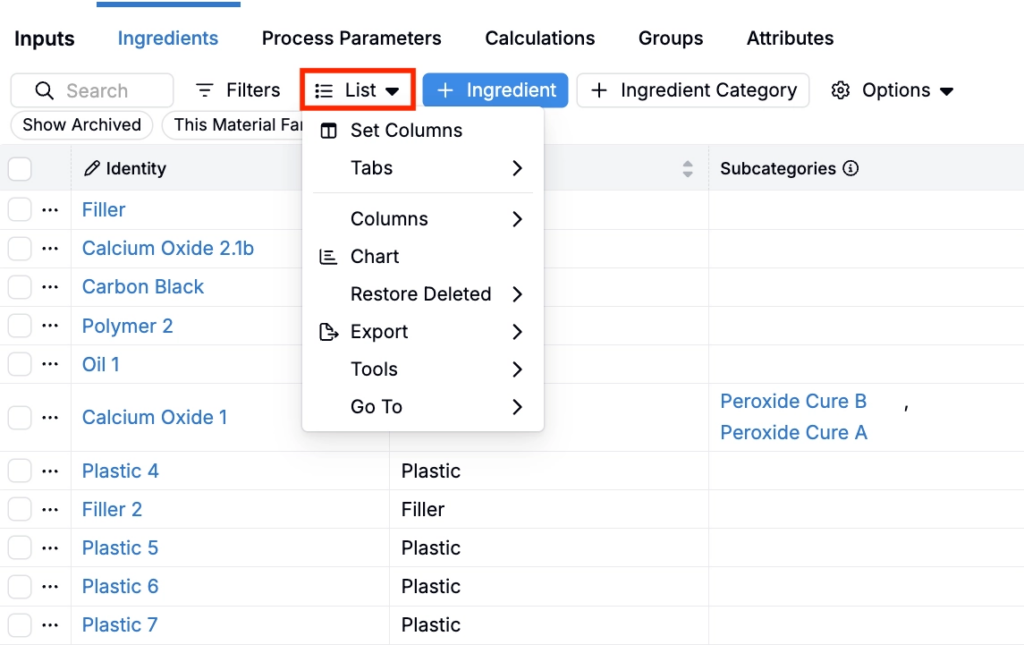
With this update, the text label will be replaced with a ⚙ icon. This simplifies the page interface and more accurately reflects menu options.
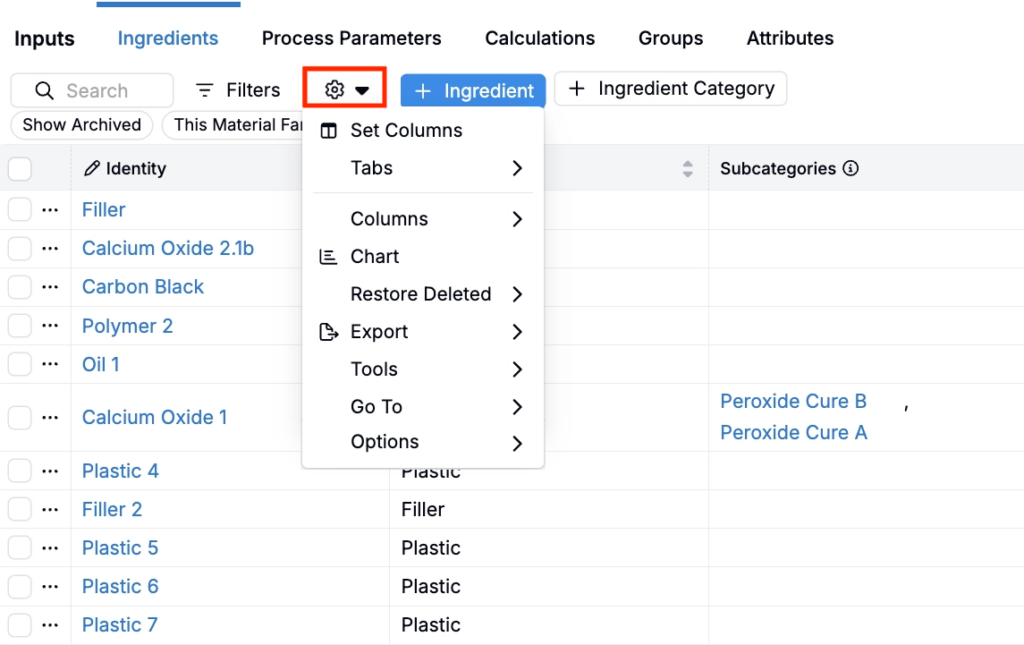
Some listings (e.g. Ingredients) currently also have a separate ⚙️ Options menu.
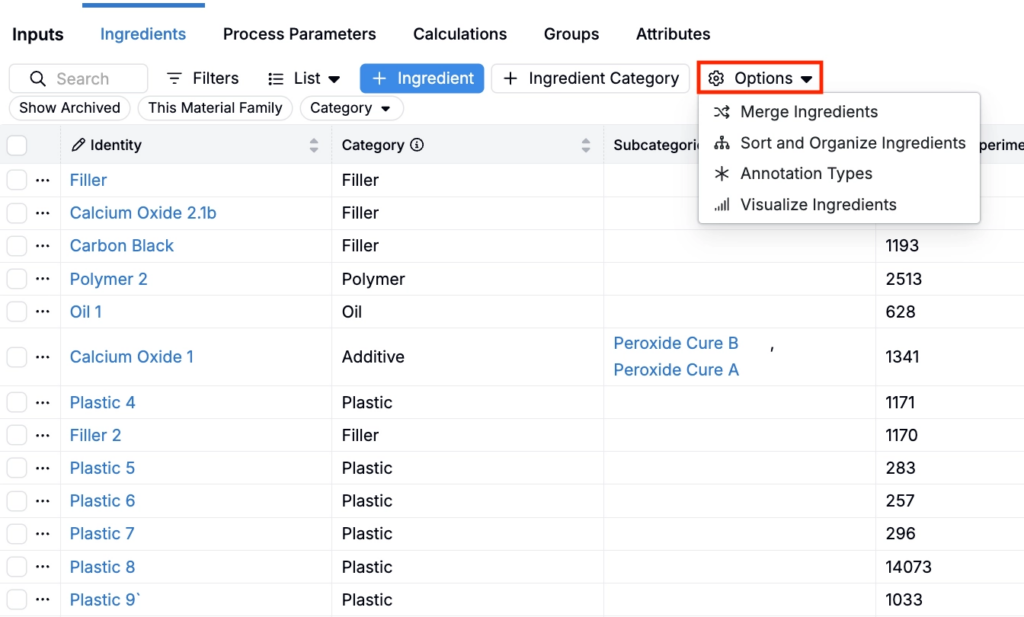
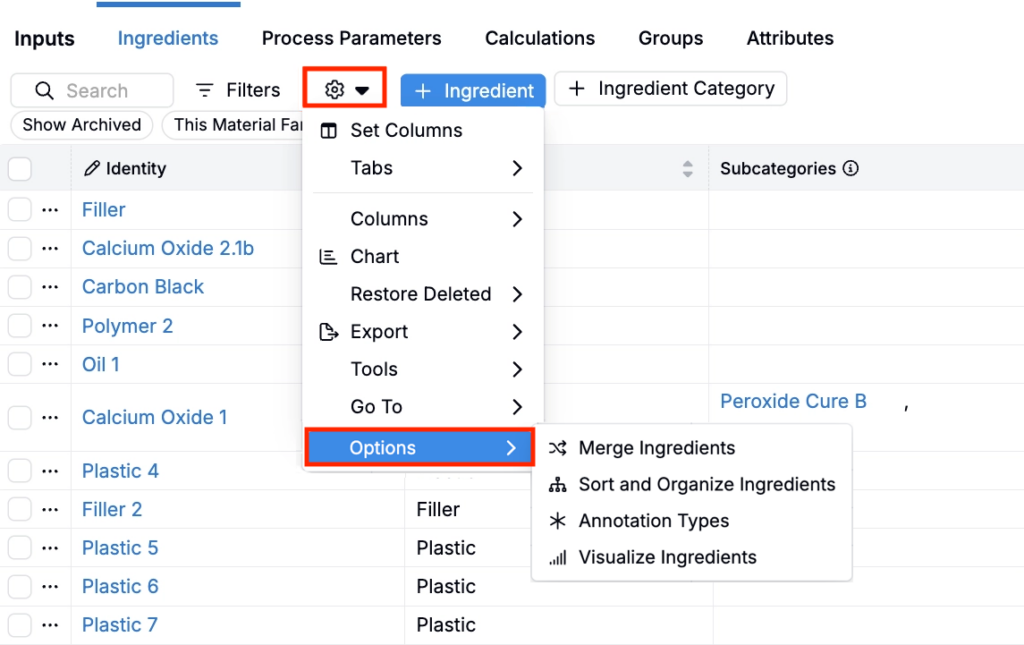
With this change, the Options menu will be removed; its options will appear in a submenu at the bottom of the new listing settings menu. This is rolling out progressively over the next few weeks, and is already live on the Outputs and Condition Parameters listing pages.
Rollout
These updates are scheduled to go live on Friday, May 15th. No action is required from end users.