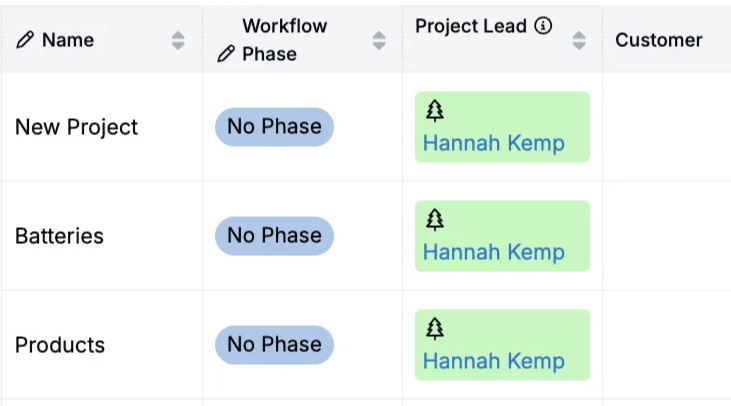
Use the Profile page to customize own personal Uncountable profile. Profile settings (photo, color, icon) appear next to your name in listings, comments, and other UI surfaces.
Access your Profile page from the navigation bar by clicking [Account Name] > View Profile.
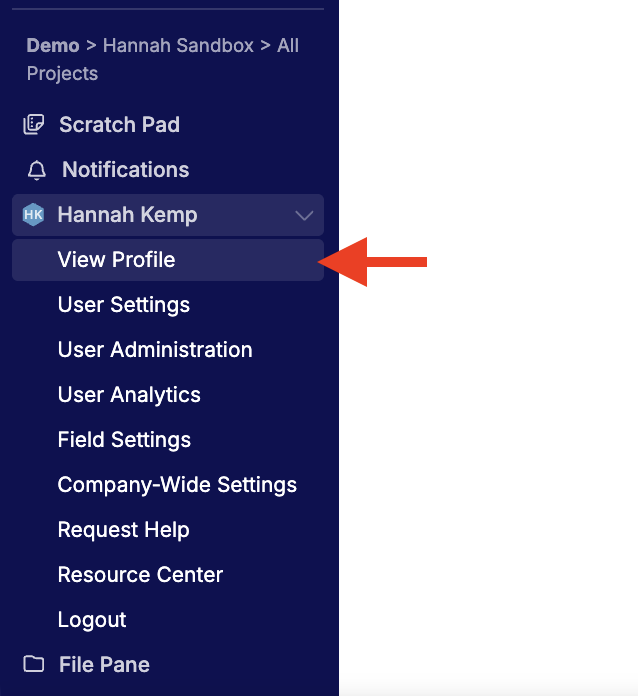
Managing profile details
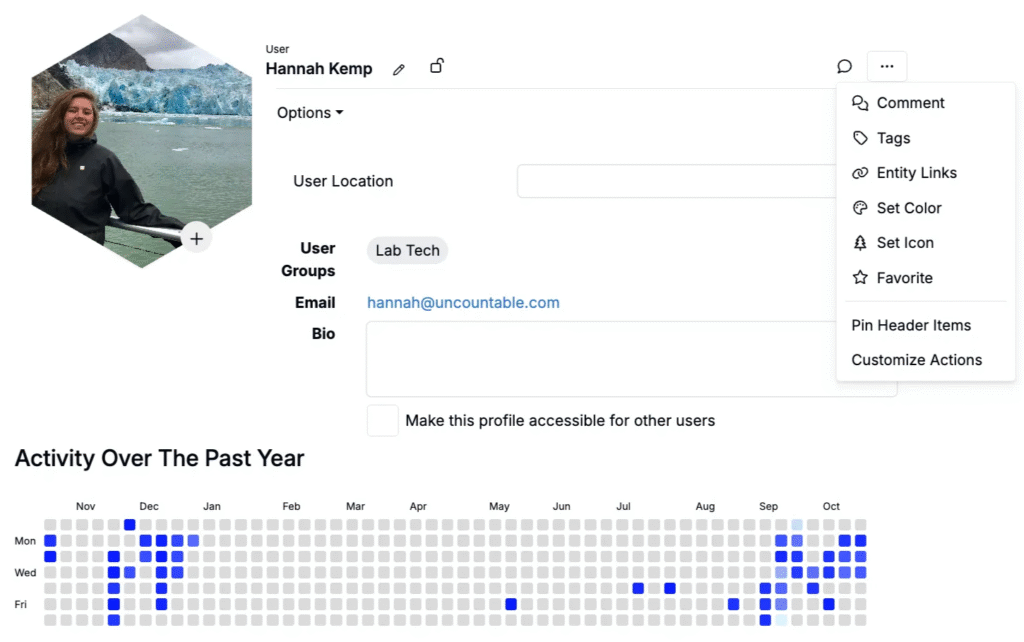
On this page, users can:
- Add a profile photo — Click the + on your avatar to upload or replace your photo.
- Add a location — Enter a city/region to show where you’re based.
- Add a bio — Provide a short description (e.g., role, focus areas).
- View your email — See the email address associated with your account.
- View user groups — Check which groups you belong to (managed by admins).
Appearance (color and icon)
You can also personalize how your name appears across Uncountable:
- Click … > Set Color or Set Icon.
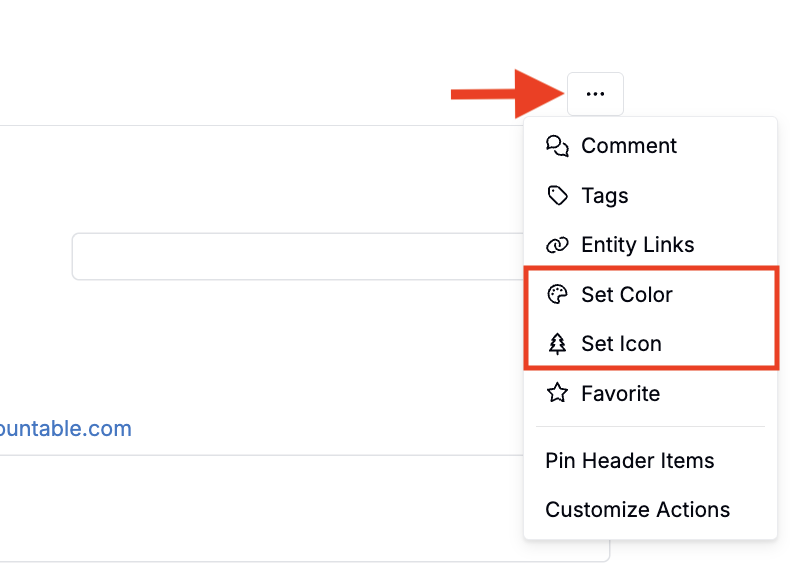
- Pick an option and save.
Your selection displays next to your name across the platform (e.g., on listings).