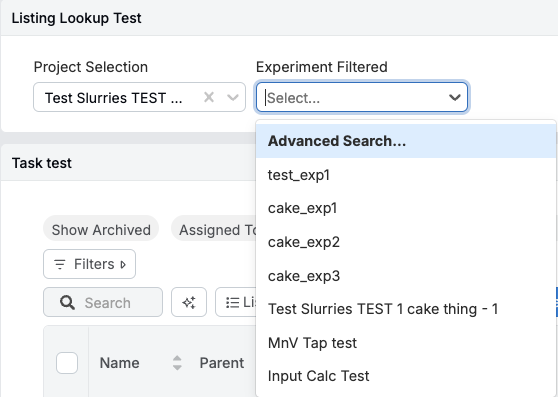
Let’s say you have a form where you have two dropdown fields: one for projects, and one for experiments. This would look something like this:
- Project Selection is a single select list type field set to the ID source of Entity → Project.
- Experiment Filtered is a single select list type field set to the ID source of Entity → Experiment.
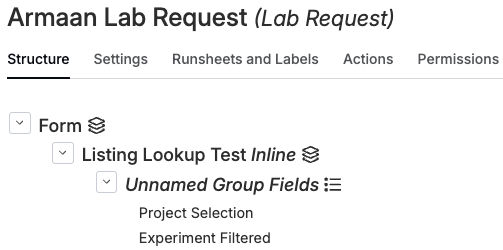
You would like to be able able to select a project from the Project Selection field, and have the Experiment Filtered field be filtered to only show the experiments that show up in the project you selected.
Go into the Experiment Filtered field (since this is the filed that will be filtered) and click on the ID Source:
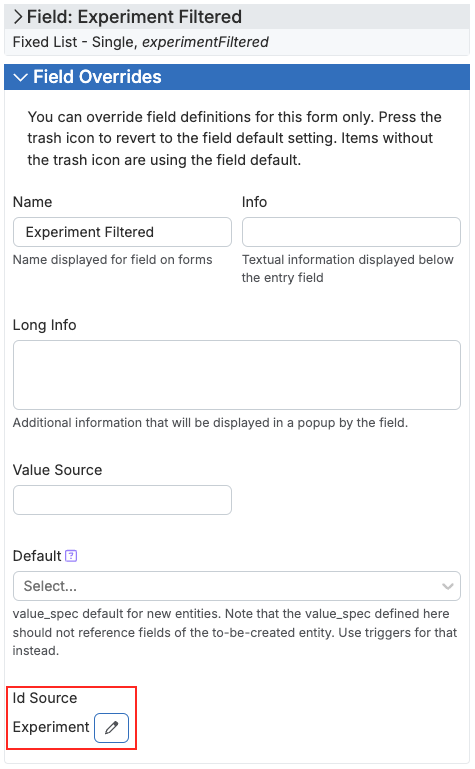
Under Attribute Map here, create a new attribute in this format: attribute.name
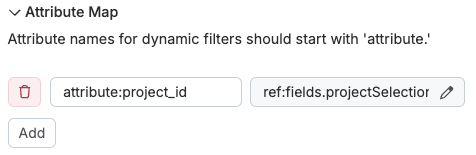
And then in the value spec editor next to it put in the reference to the field you want to filter based on:
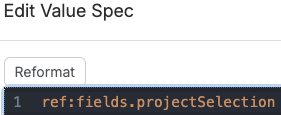
Now you can add a fixed filter (or a regular filter) that will filter down to only experiments whose project is one selected in my field:

The value spec to access that attribute variable we made is in this format: (array ref:attributes.name)
⚠️ Note that when we specified the attribute in Map Attributes we used attribute:name but when we access it here it becomes attributes plural and we use a period (.) instead of the colon (:)

You can test to see if this filter works with a sample attribute:
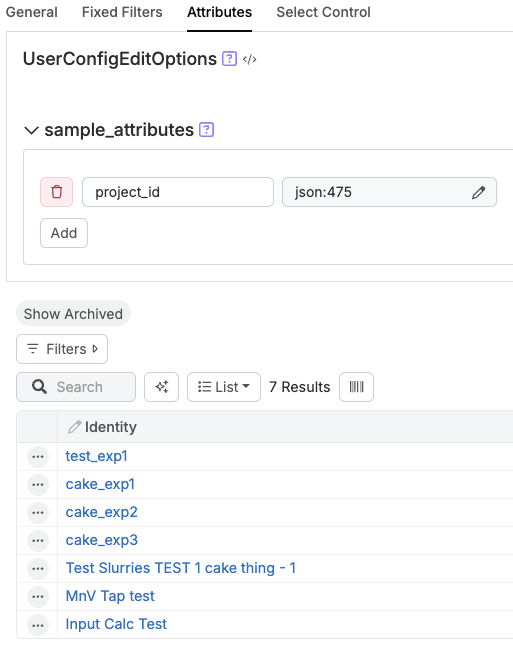
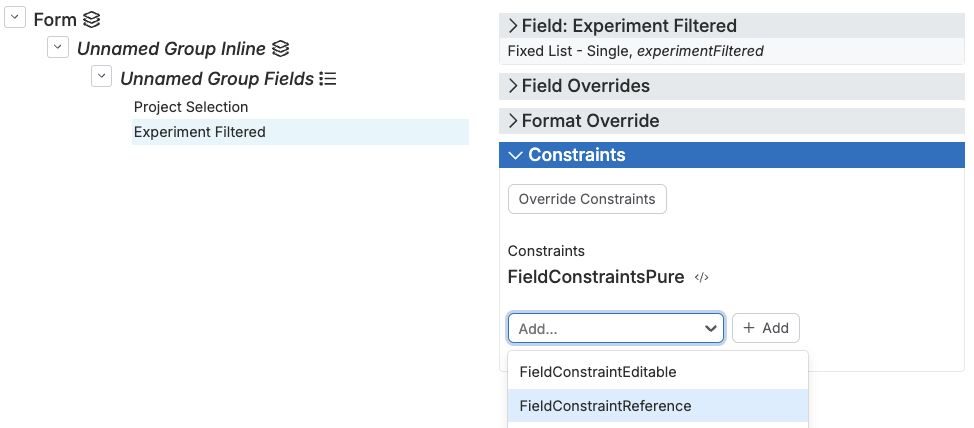
Save this listing (you may need to check ignore error) and then go to the field you are filtering (Experiment Filtered in this example) and add a new constraint of the type Field ConstraintReference:
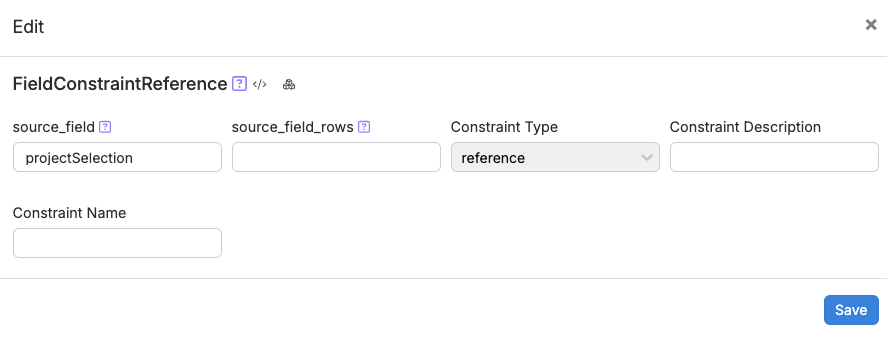
Now, under source_field simply add the reference name for the field that you are filtering based on (Project Selection in this example) and hit save:
And now when you select a project, the list of experiments that you can pick from should be filtered to just the ones in that project: